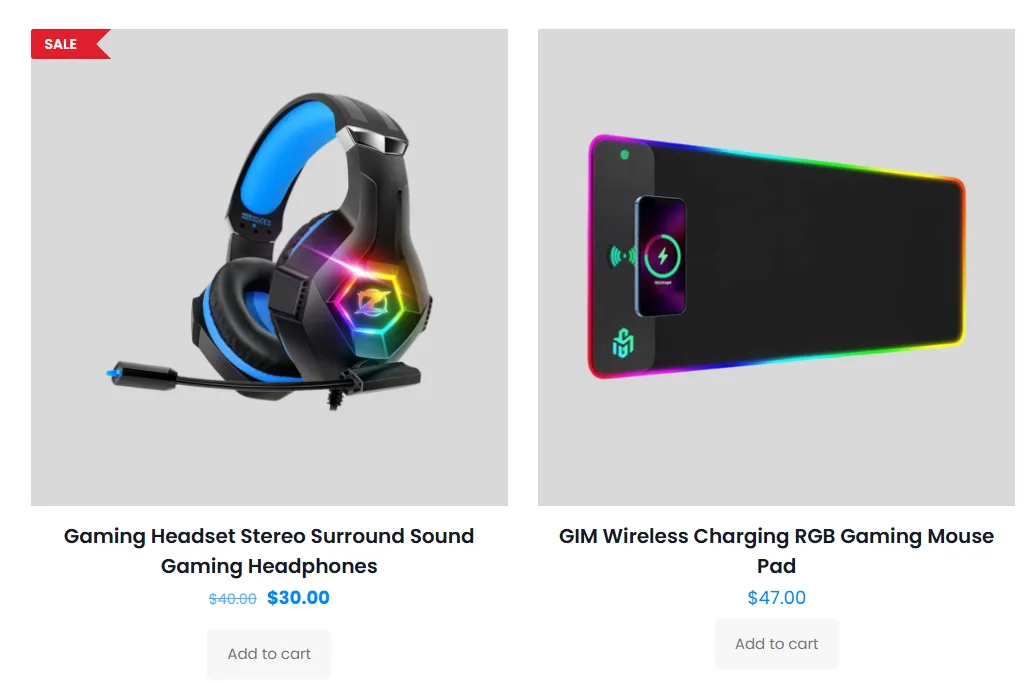
WooCommerce Product Badges
Create targeted sale, new, featured, label-group, and promotional badges for product cards, variations, and single product pages.
Explore featureAdd sale labels, discount percentages, countdowns, Quick View, Sticky Add to Cart, popups, notification bars, and targeted product messages to your WooCommerce store without editing your theme.
Start with CSS, image, modern, or countdown badges, then add embeds, Gutenberg blocks, popups, targeting, and scheduling as your campaign grows.
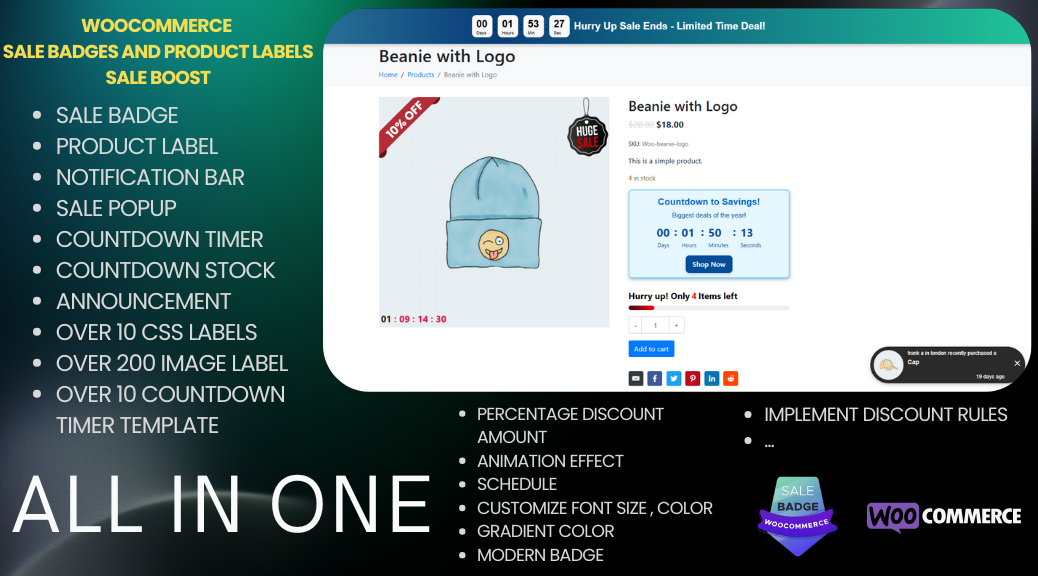
Choose the badge, popup, bar, embed, or storefront tool that matches the offer, product type, and point in the buying journey.
Build product labels that explain the offer immediately, then target them by product data, customer context, and campaign timing.
Create targeted sale, new, featured, label-group, and promotional badges for product cards, variations, and single product pages.
Explore feature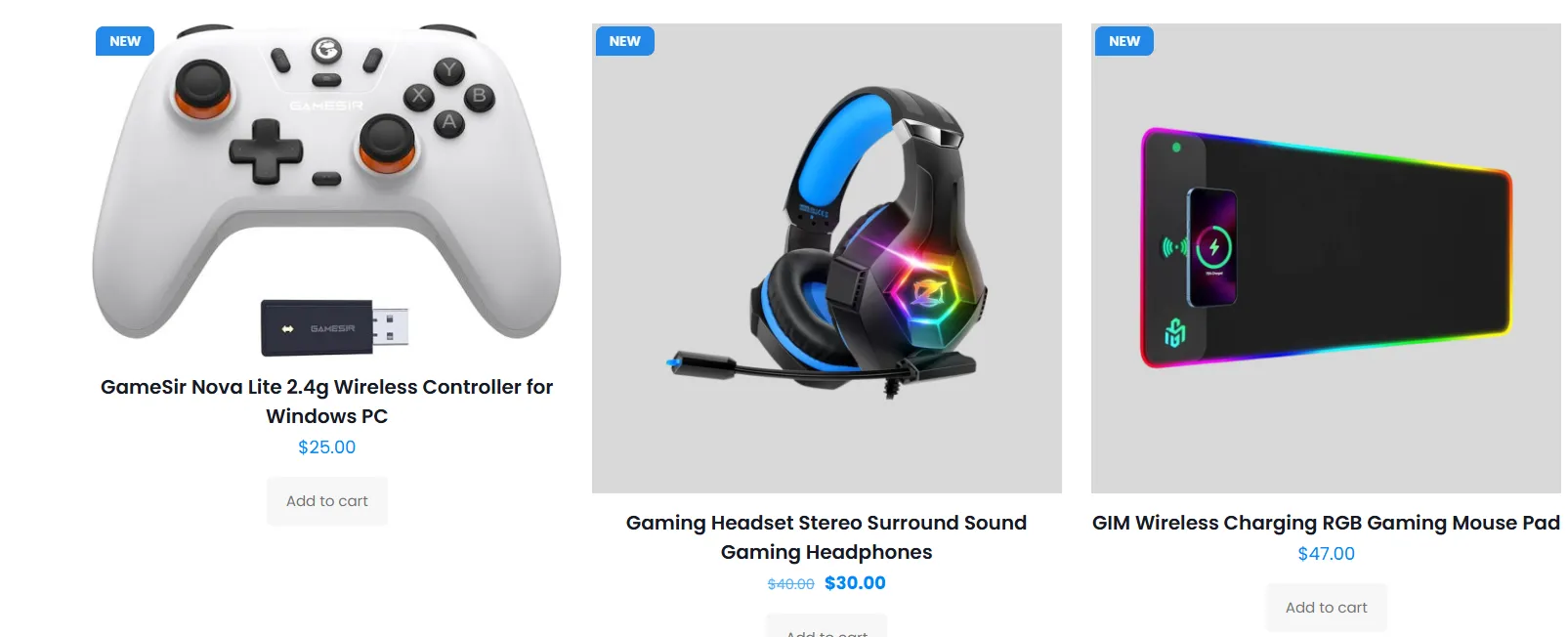
Use flexible CSS labels with live discount percentages, saved amounts, stock values, positions, and animations.
Explore feature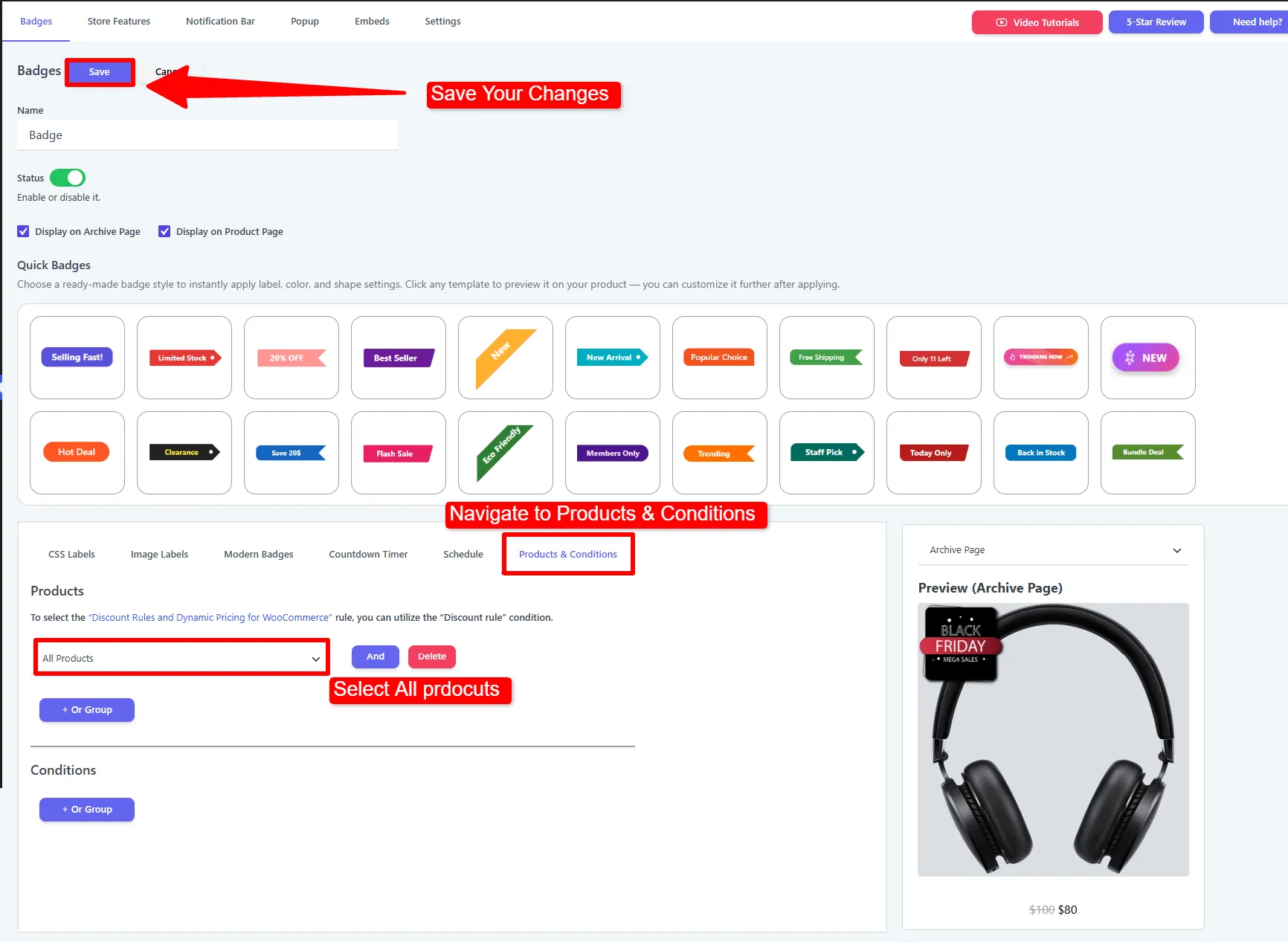
Add ready-made or custom image stickers to product images with responsive sizing, placement, opacity, and scheduling.
Explore feature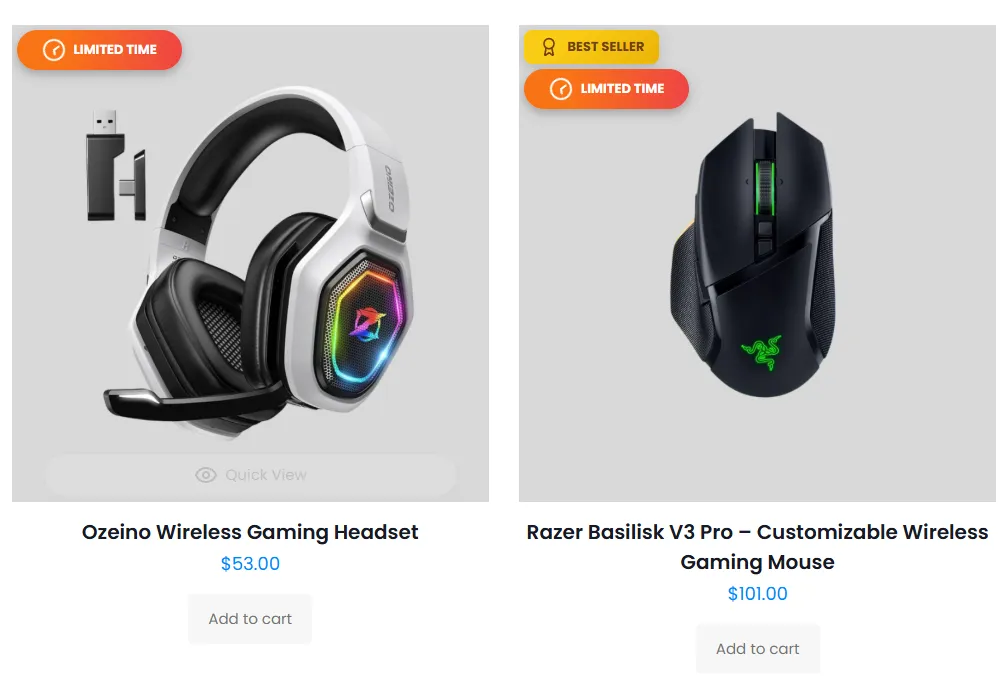
Highlight best sellers, flash sales, limited offers, and store benefits with gradient styles, icons, and two-line copy.
Explore feature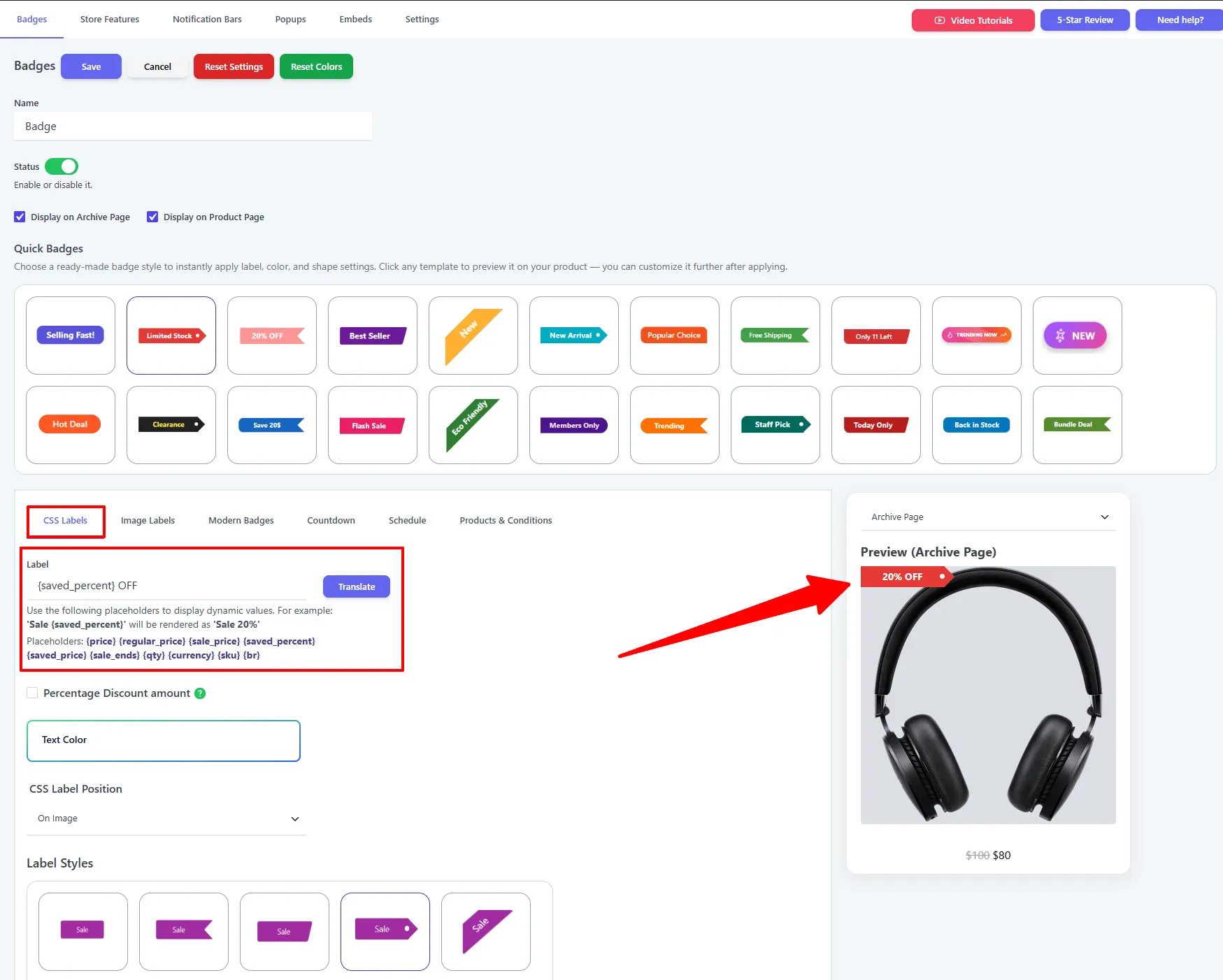
Show changing product data such as saved price, discount percentage, stock, rating, and quantity inside badge text.
Explore feature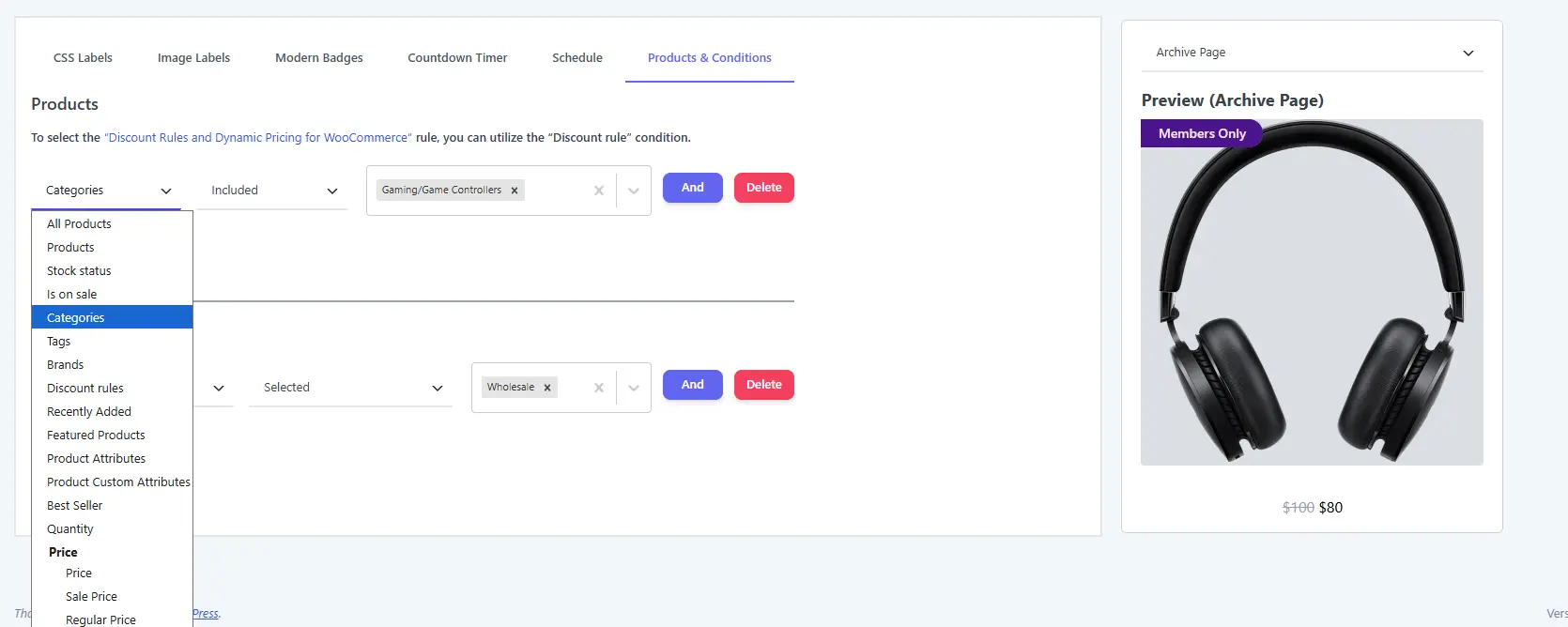
Target products by categories, tags, sale status, stock, price, shipping class, best-seller data, discount rules, and customer rules.
Explore feature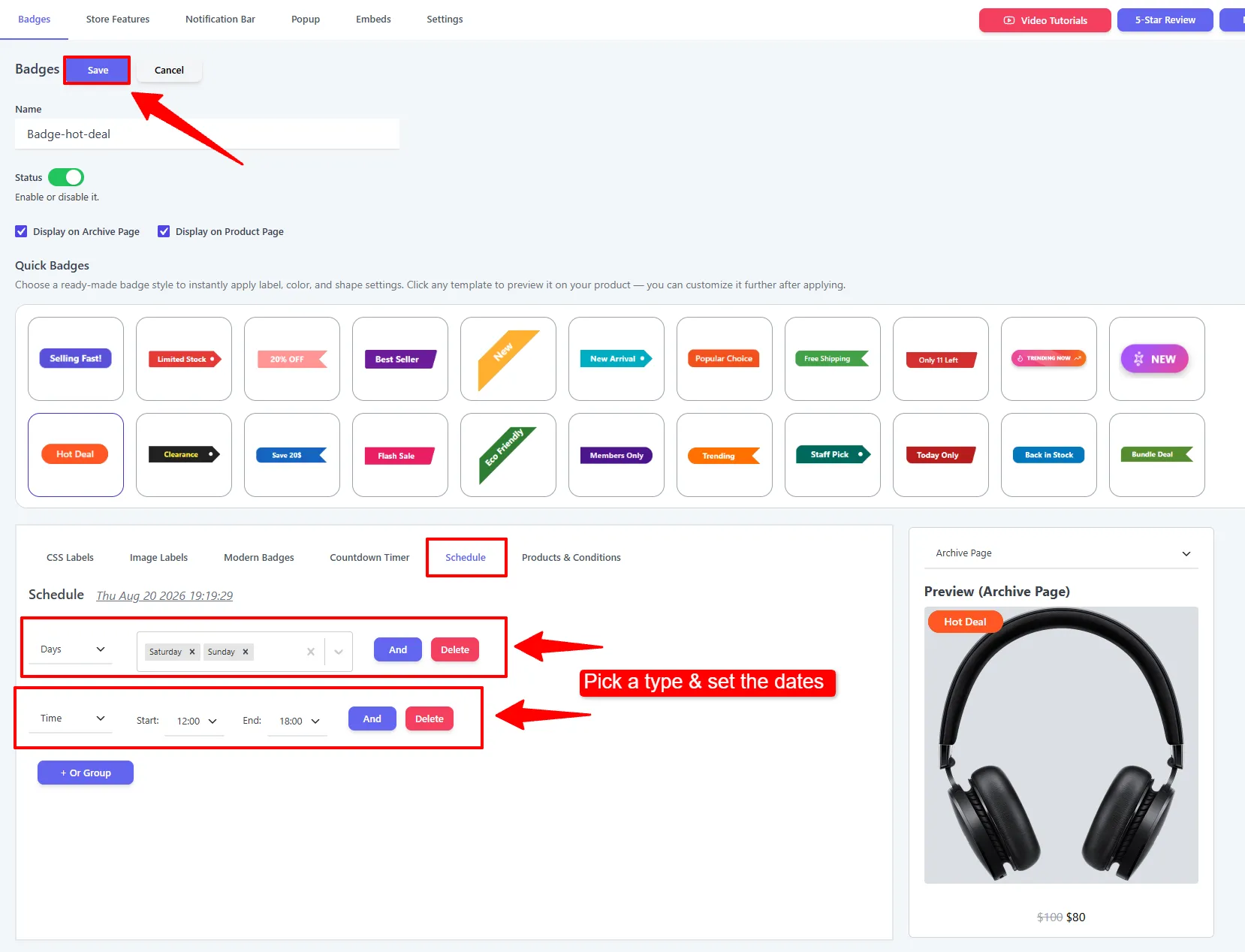
Plan seasonal labels and limited-time promotions with start dates, end dates, recurring days, and expiry behavior.
Explore feature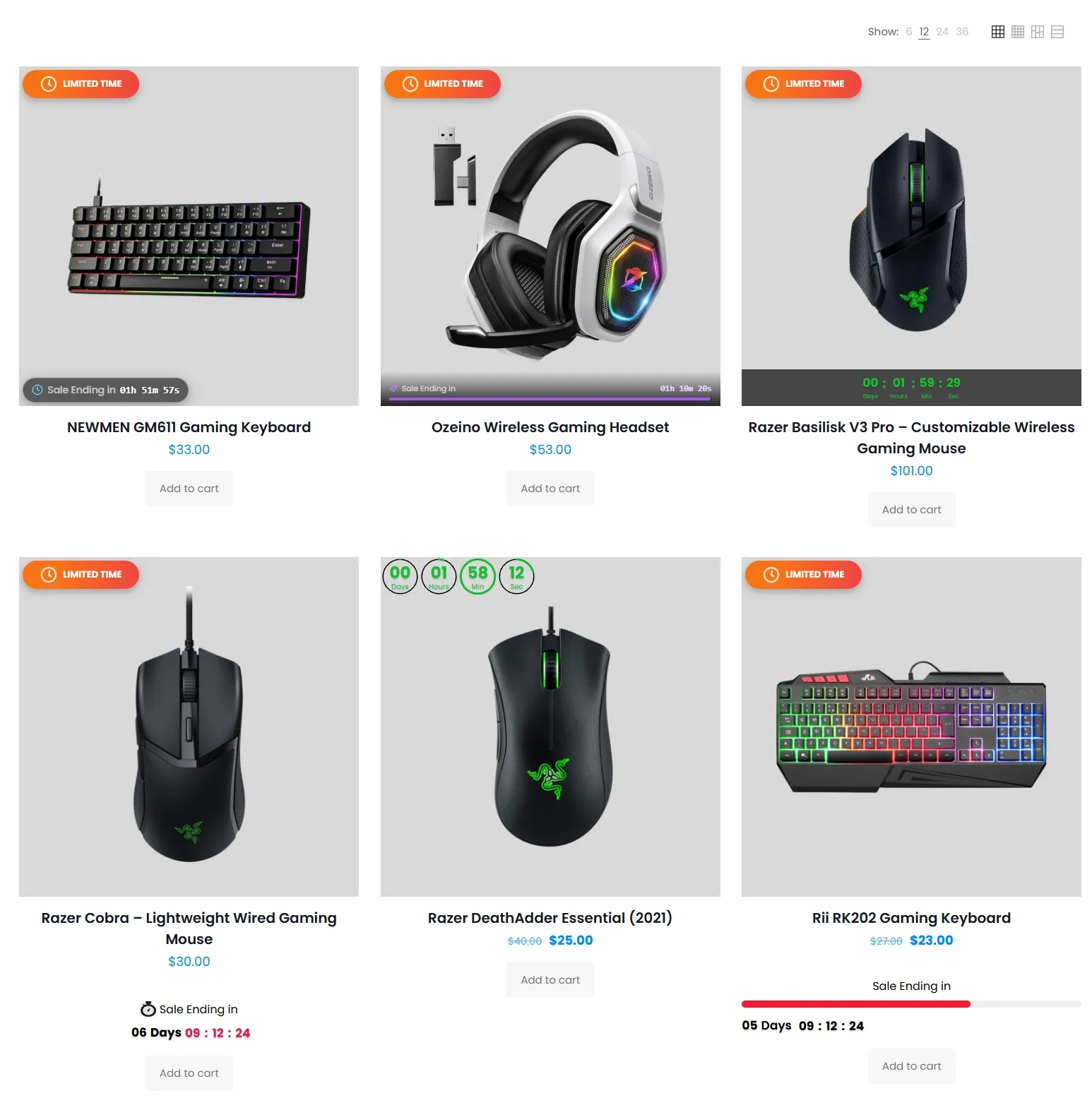
Show fixed-date, evergreen, progress-bar, glass-pill, vertical, horizontal, and stock countdown experiences.
Explore feature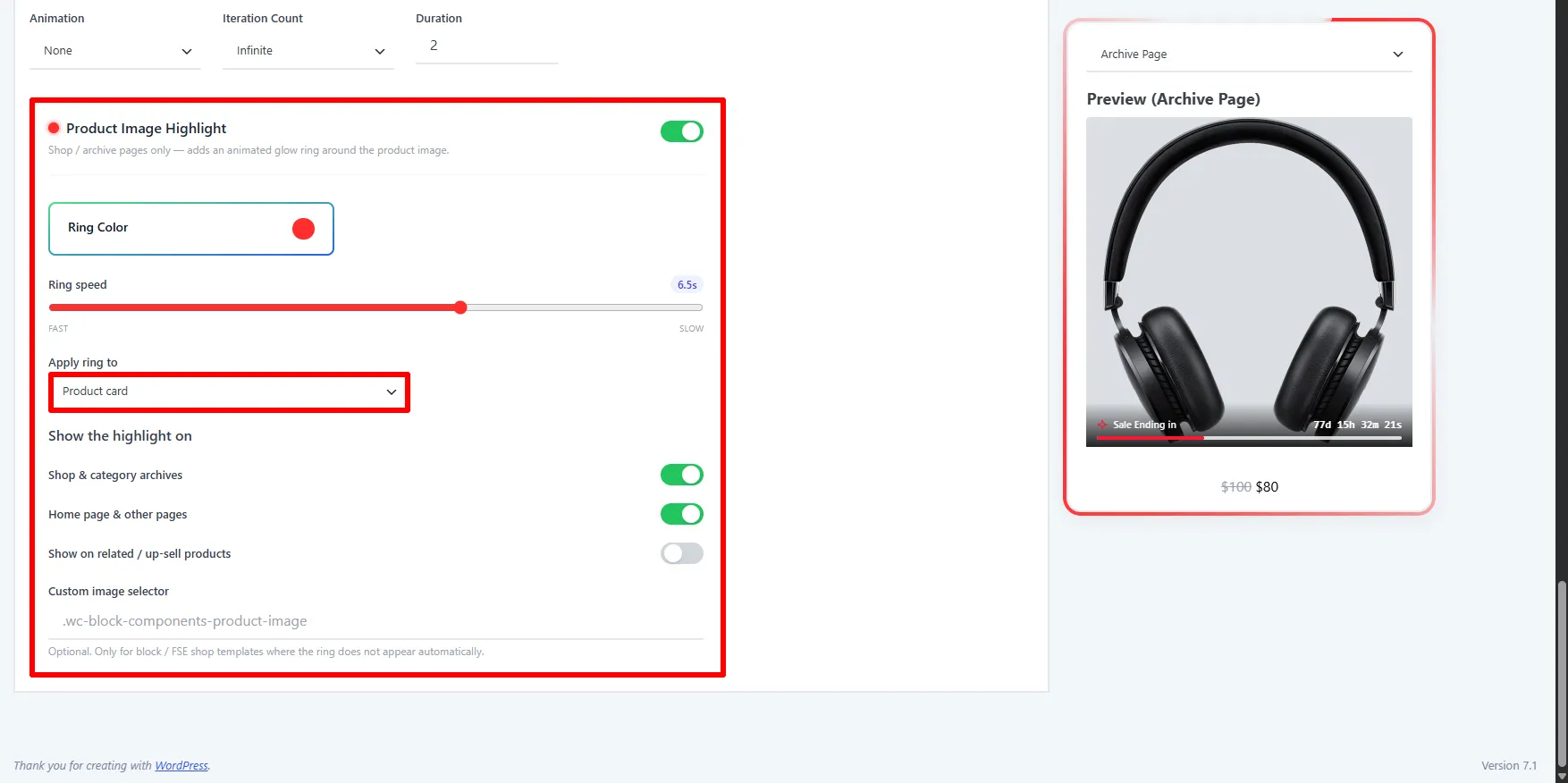
Draw attention to a promoted product with an animated highlight ring around the image or the complete product card.
Explore feature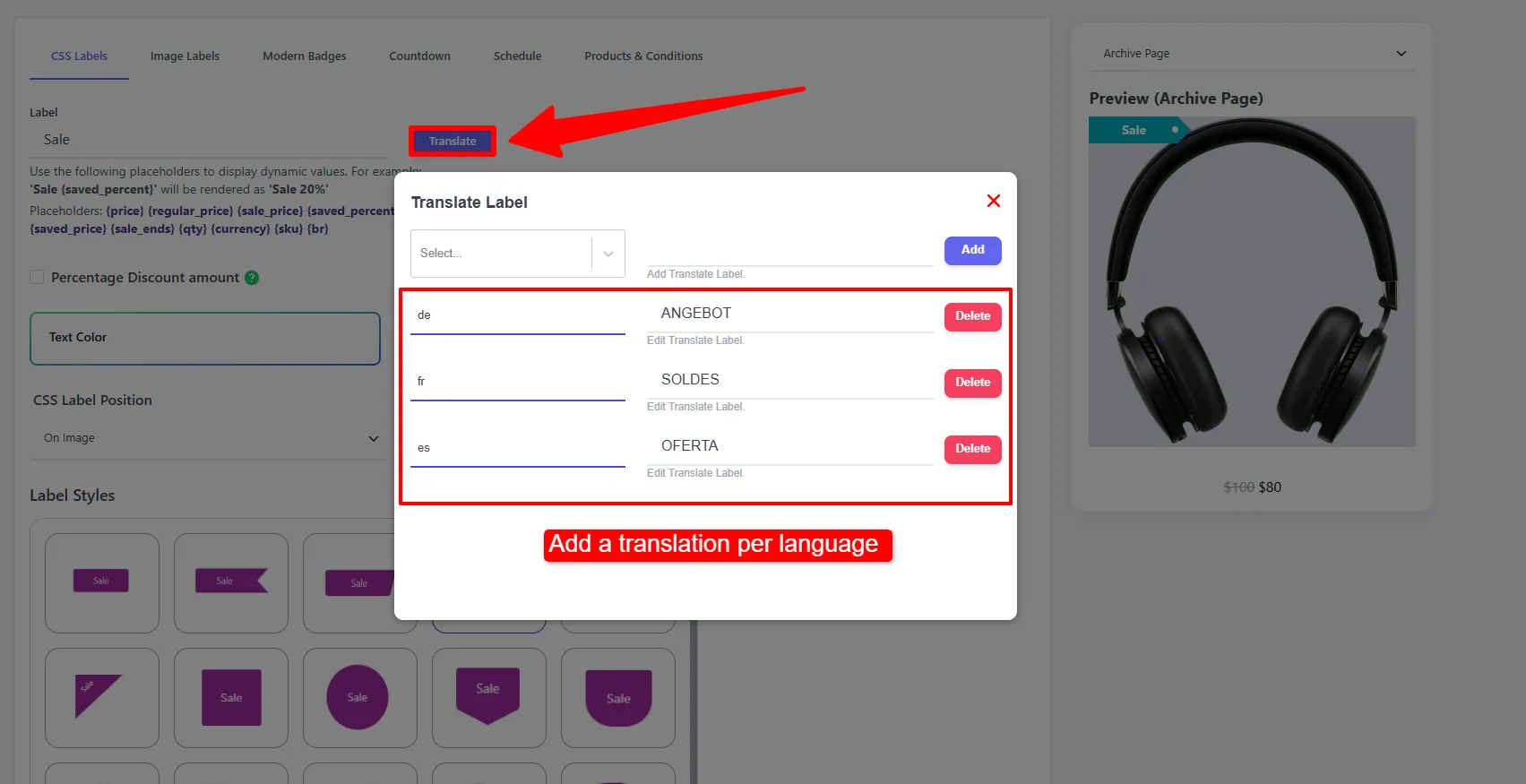
Translate badge names and customer-facing label text for multilingual WooCommerce stores using WPML workflows.
Explore featureGive shoppers faster product evaluation and a persistent path back to the purchase action on desktop and mobile.
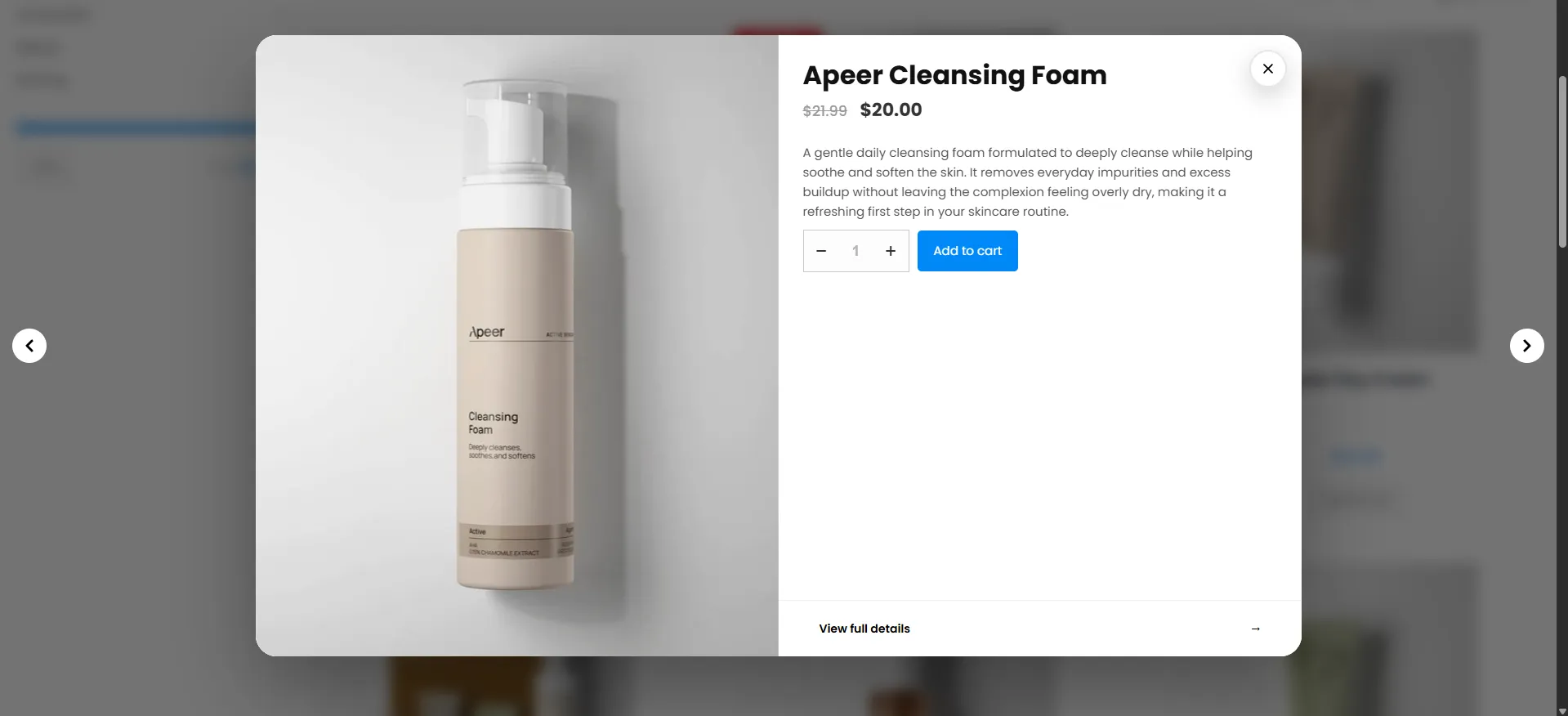
Let shoppers preview product details, pricing, variations, and purchase options from the shop page without a full page load.
Explore feature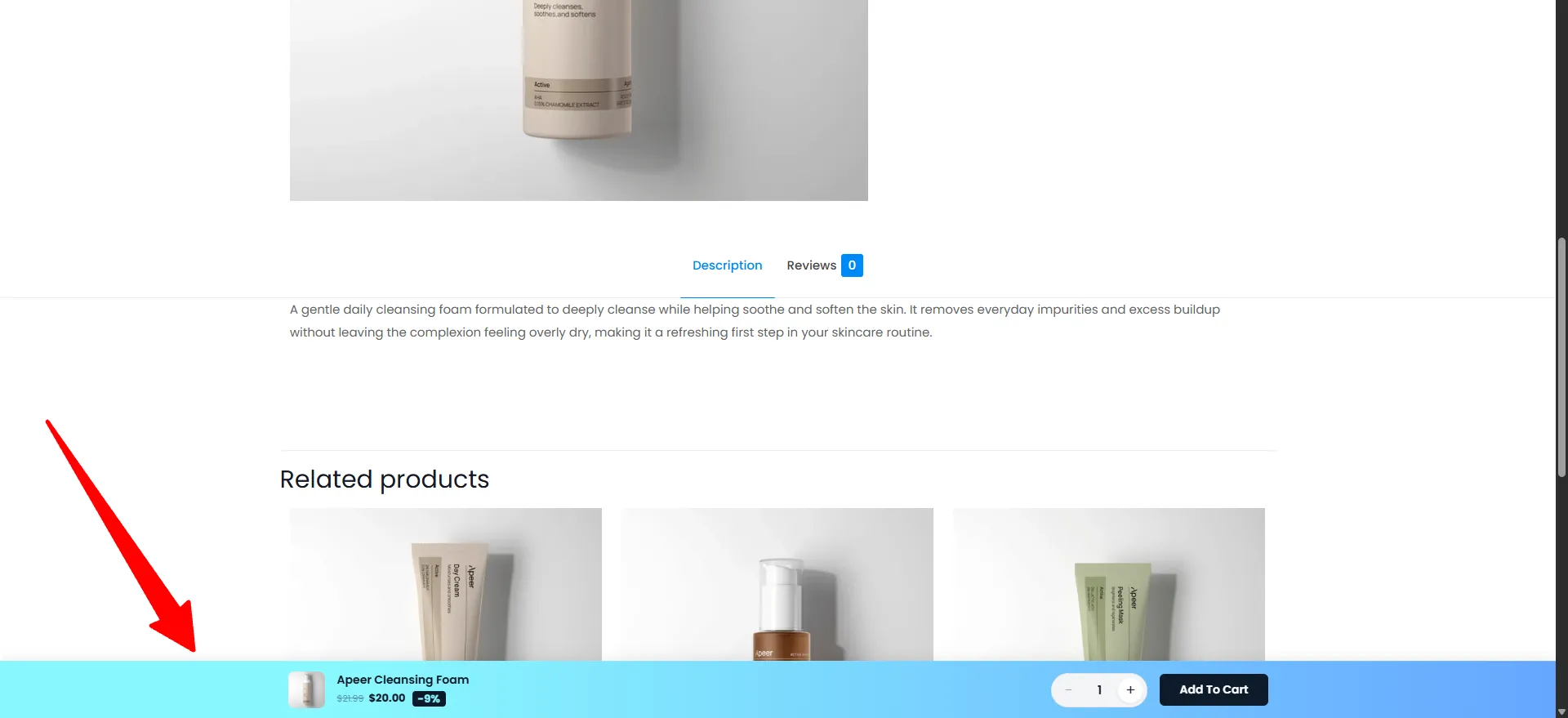
Keep product name, price, quantity, variations, and Add to Cart visible in a customizable sticky bar on product pages.
Explore featureUse focused popups for coupons, discounts, recent orders, and social proof while controlling timing, placement, and targeting.
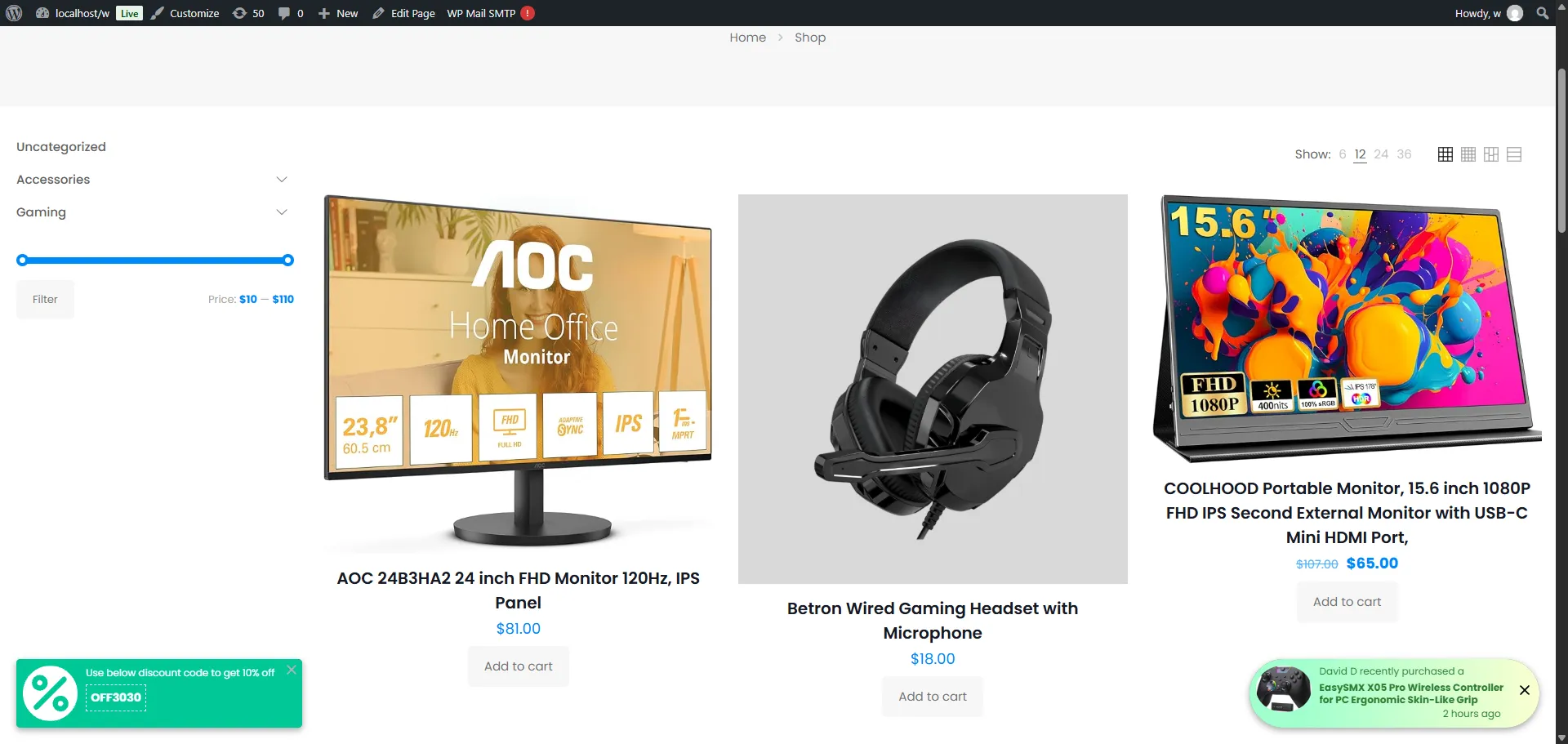
Present a discount code with Copy Coupon or Apply Coupon actions, configurable timing, and targeted display rules.
Explore featureShow recent-order social proof or promotional messages with product links, templates, animations, and display limits.
Explore featureCreate announcement bars and advanced promotional bars with CTAs, timers, scrolling messages, and product-aware conditions.
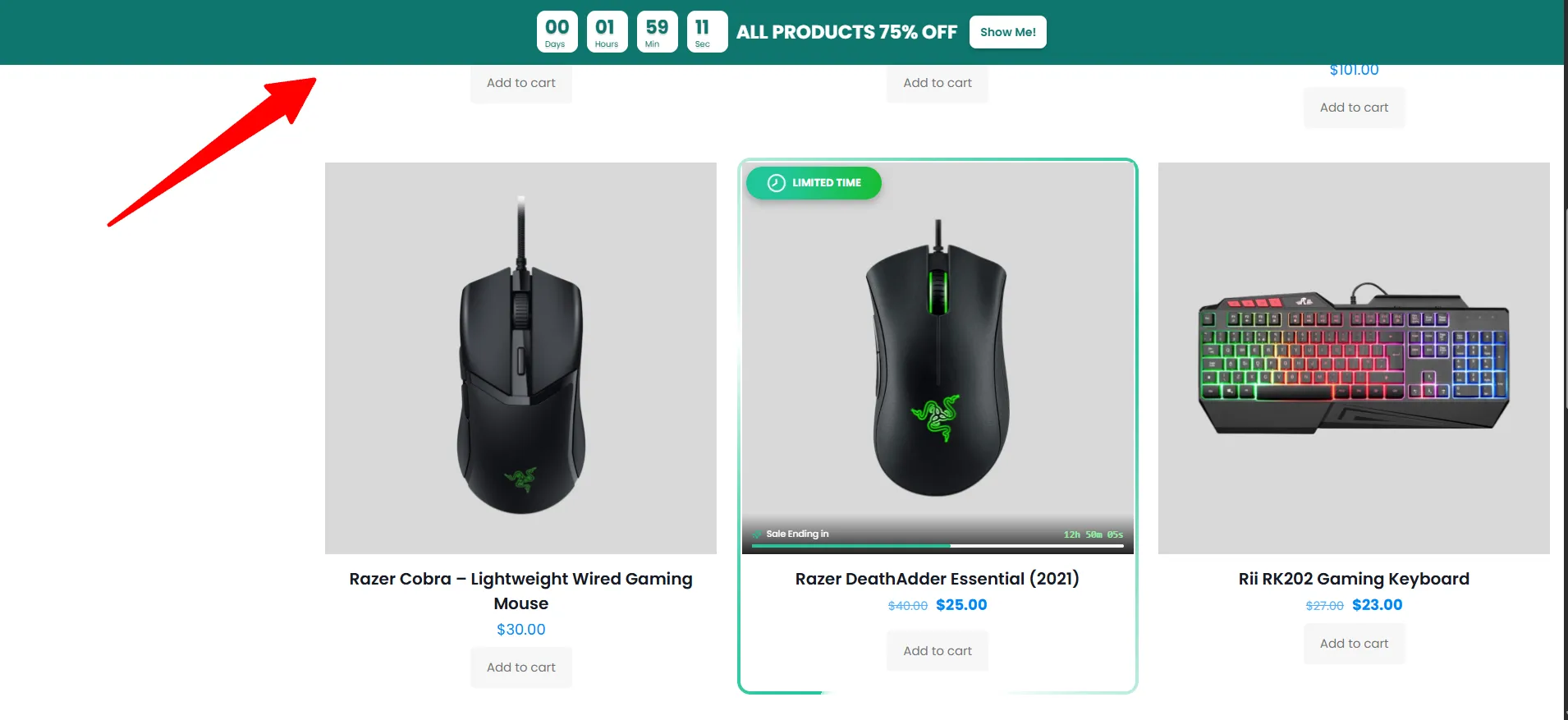
Manage targeted announcement, promotion, free-shipping, and countdown bars from one notification-bar workflow.
Explore feature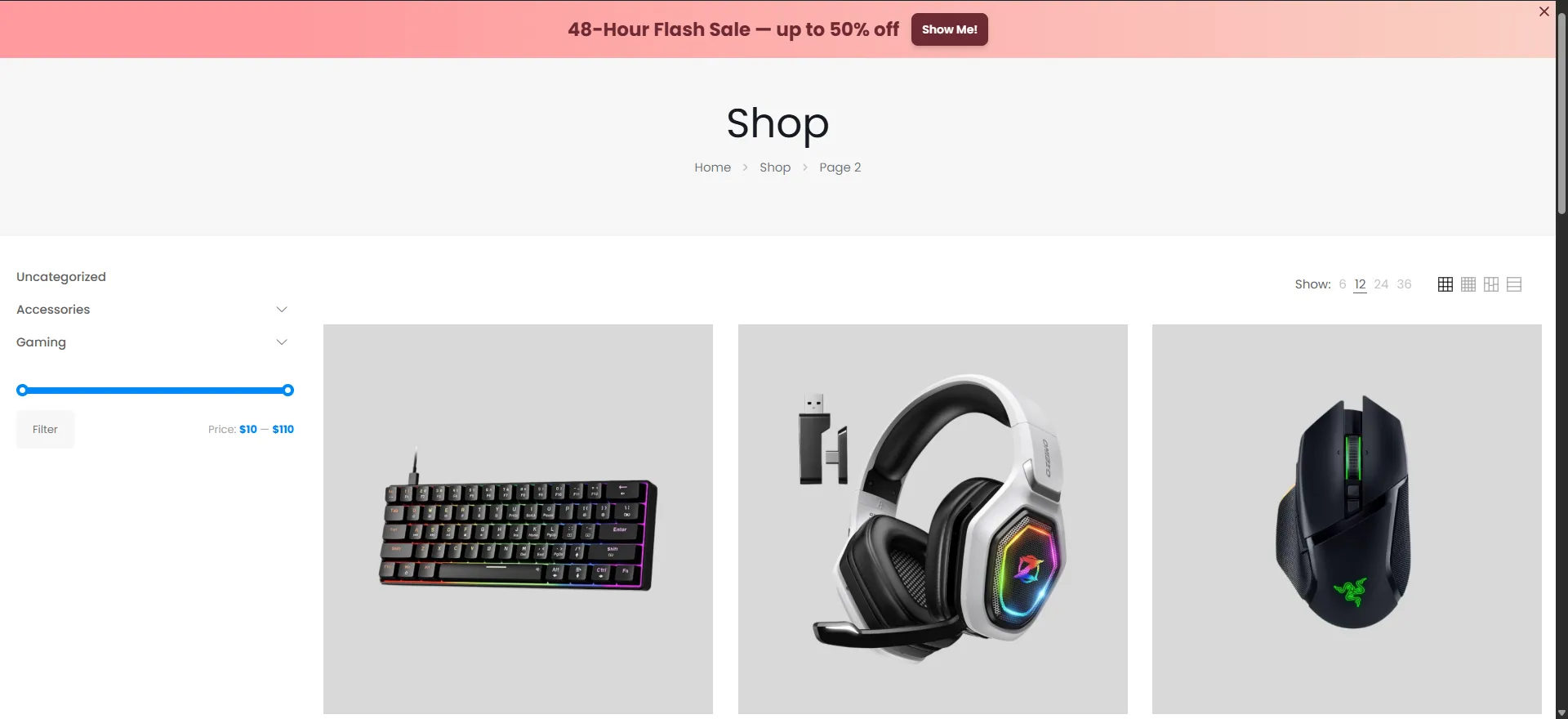
Add a focused call-to-action bar with customizable content, button styling, placement, and product targeting.
Explore feature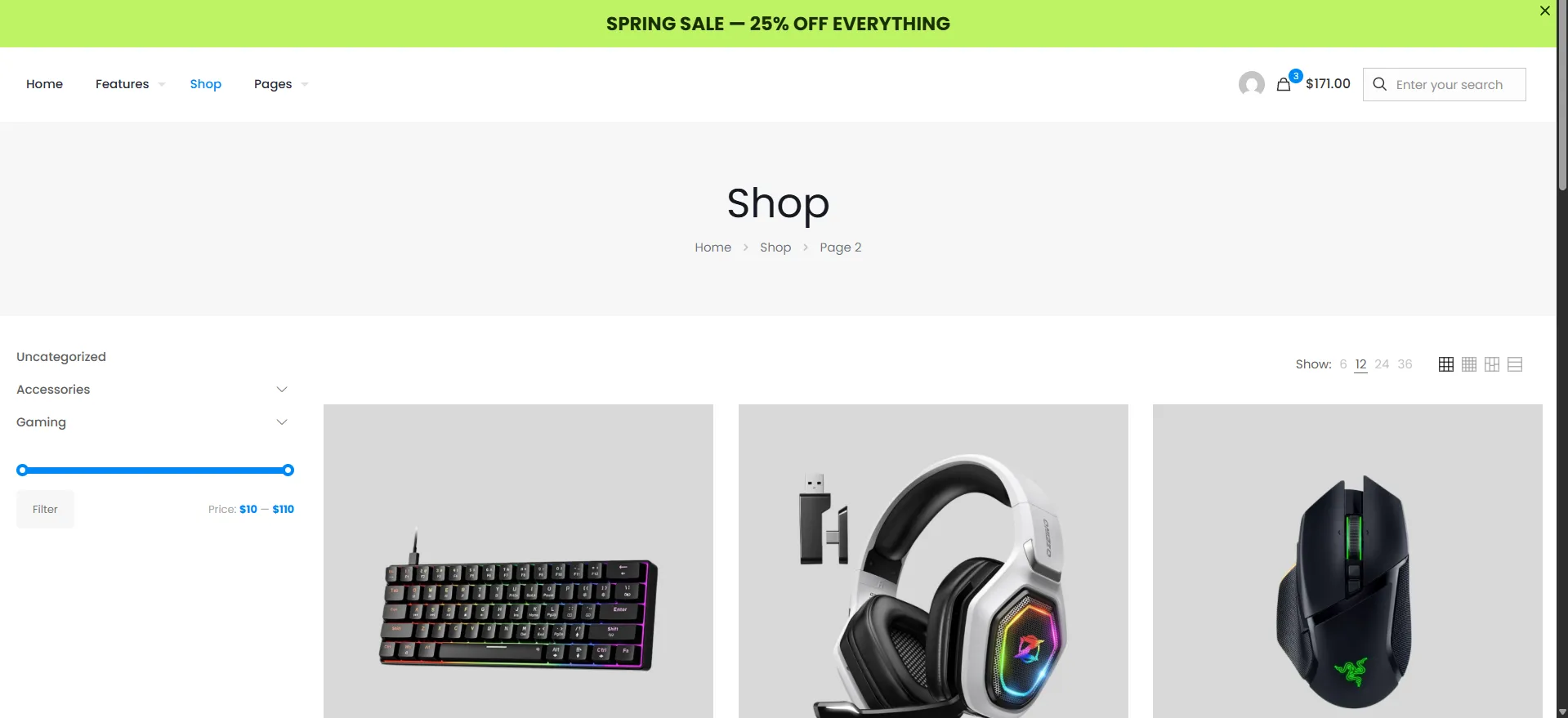
Publish store notices, seasonal announcements, campaign messages, and CTAs at the top or bottom of the storefront.
Explore feature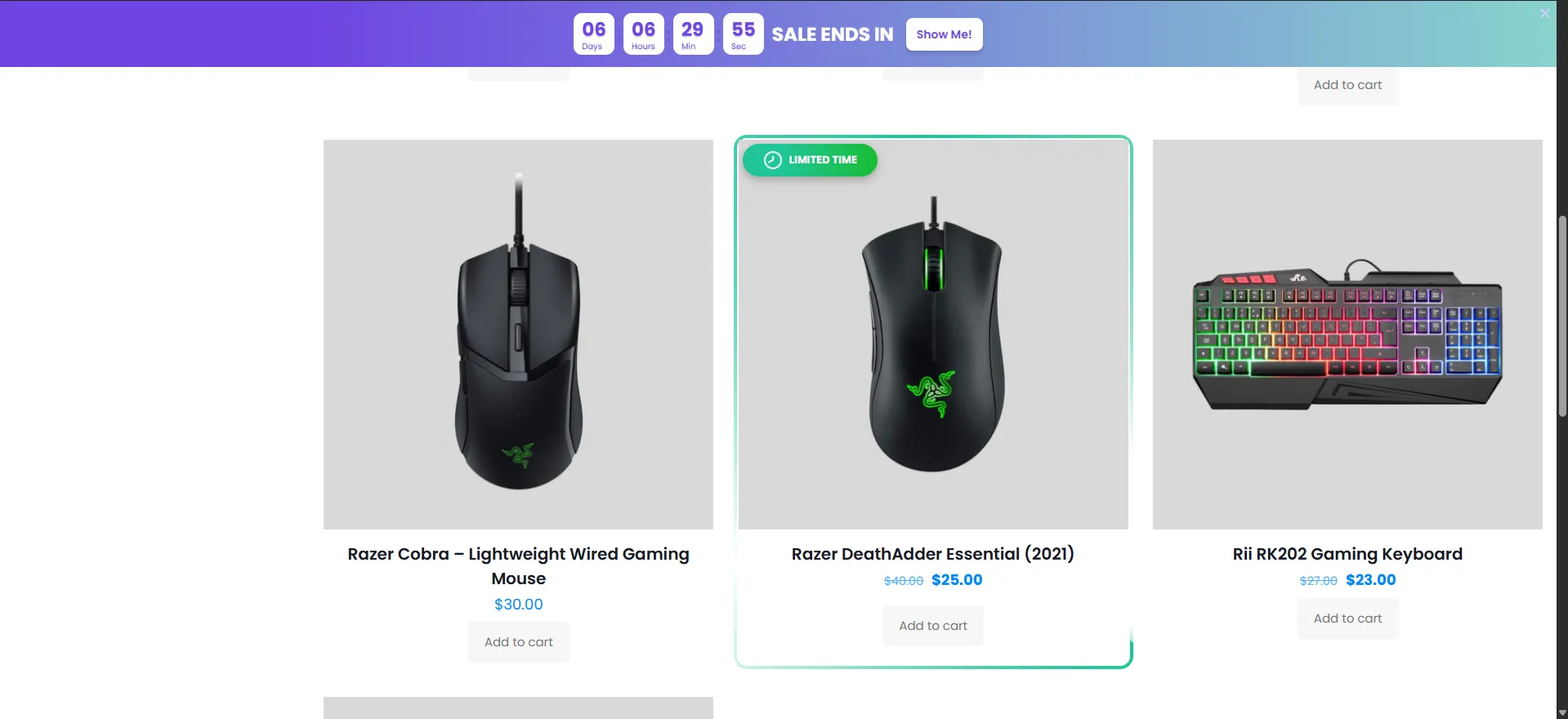
Add a fixed-date or evergreen sale countdown bar with urgency-focused copy, buttons, and responsive layouts.
Explore featureShow shoppers how close they are to free shipping with a cart-aware progress message and optional call to action.
Explore feature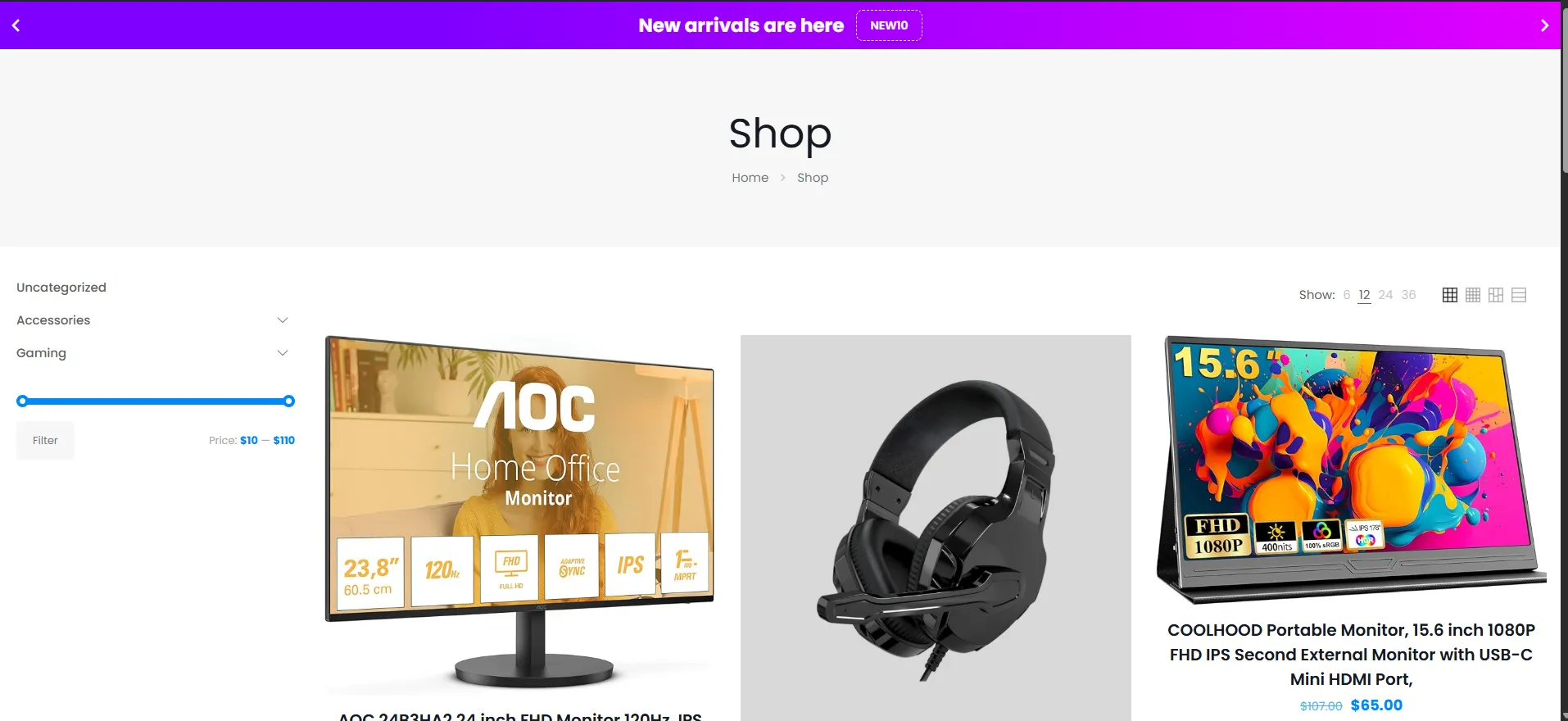
Rotate multiple offers, coupons, and benefit messages in one compact bar with configurable transitions and timing.
Explore feature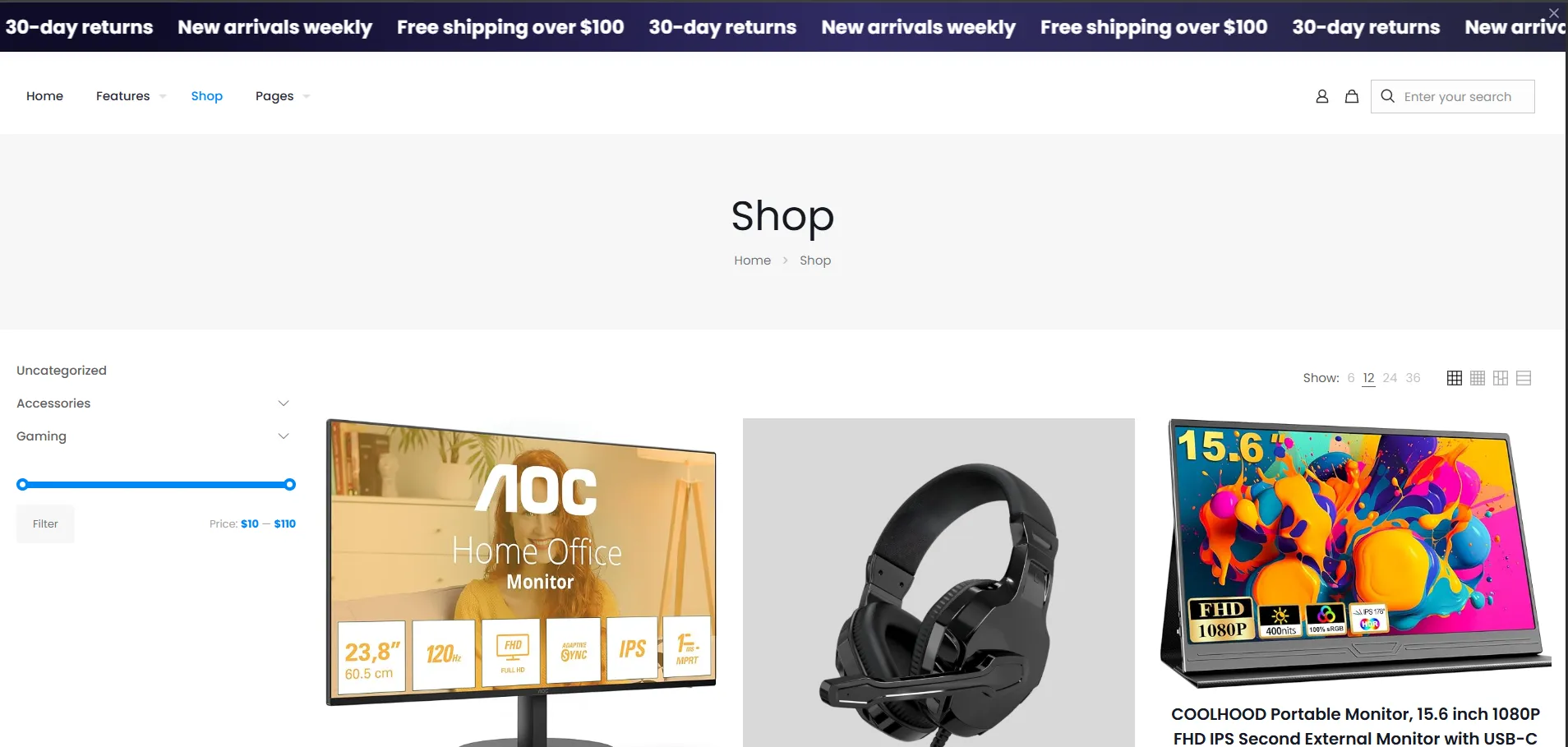
Create a continuous scrolling marquee bar for shipping promises, campaign notices, and short promotional messages.
Explore featureEmbed useful product-page content with custom positions, device targeting, product rules, responsive layouts, and live previews.
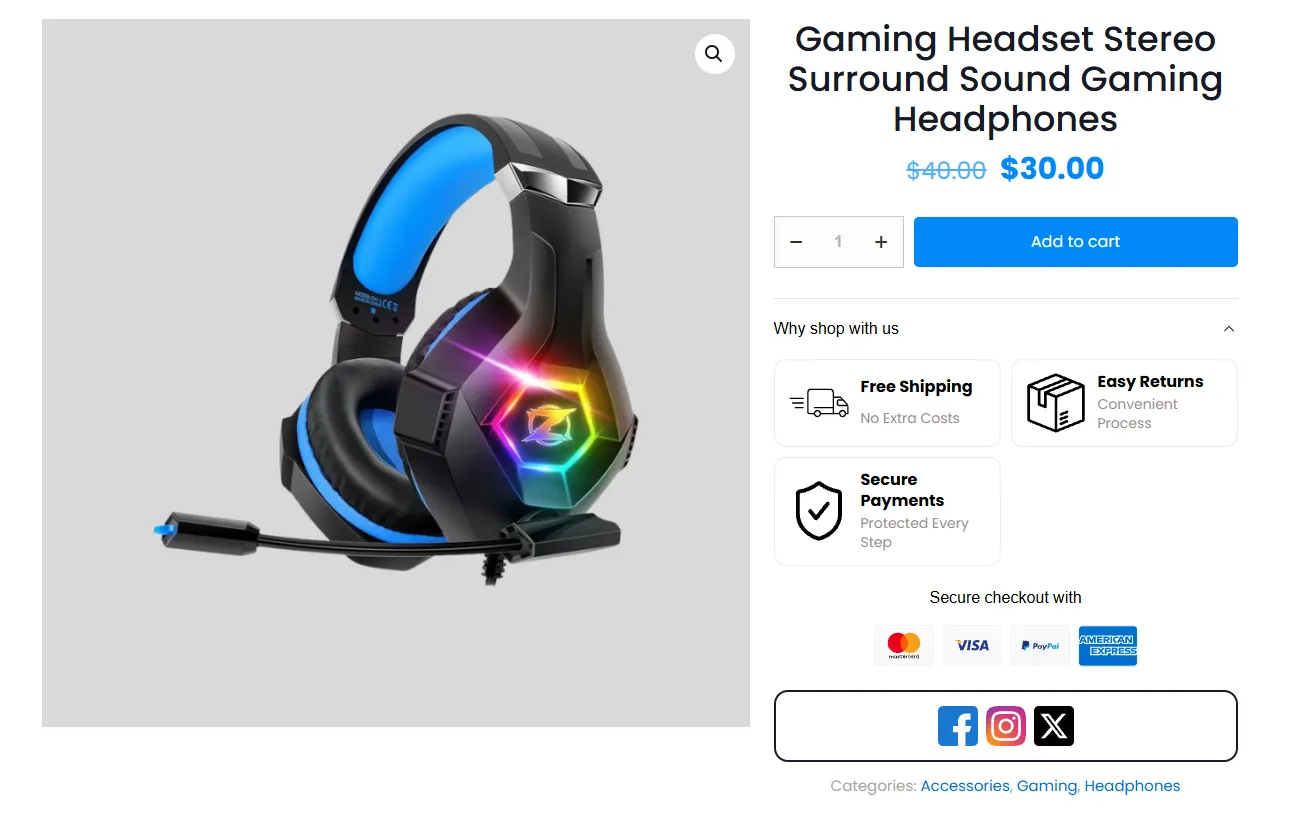
Use one embed system for product-page trust signals, payment icons, banners, countdowns, announcements, and more.
Explore featureDisplay secure checkout, returns, shipping, and store-confidence messages beside the product purchase decision.
Explore feature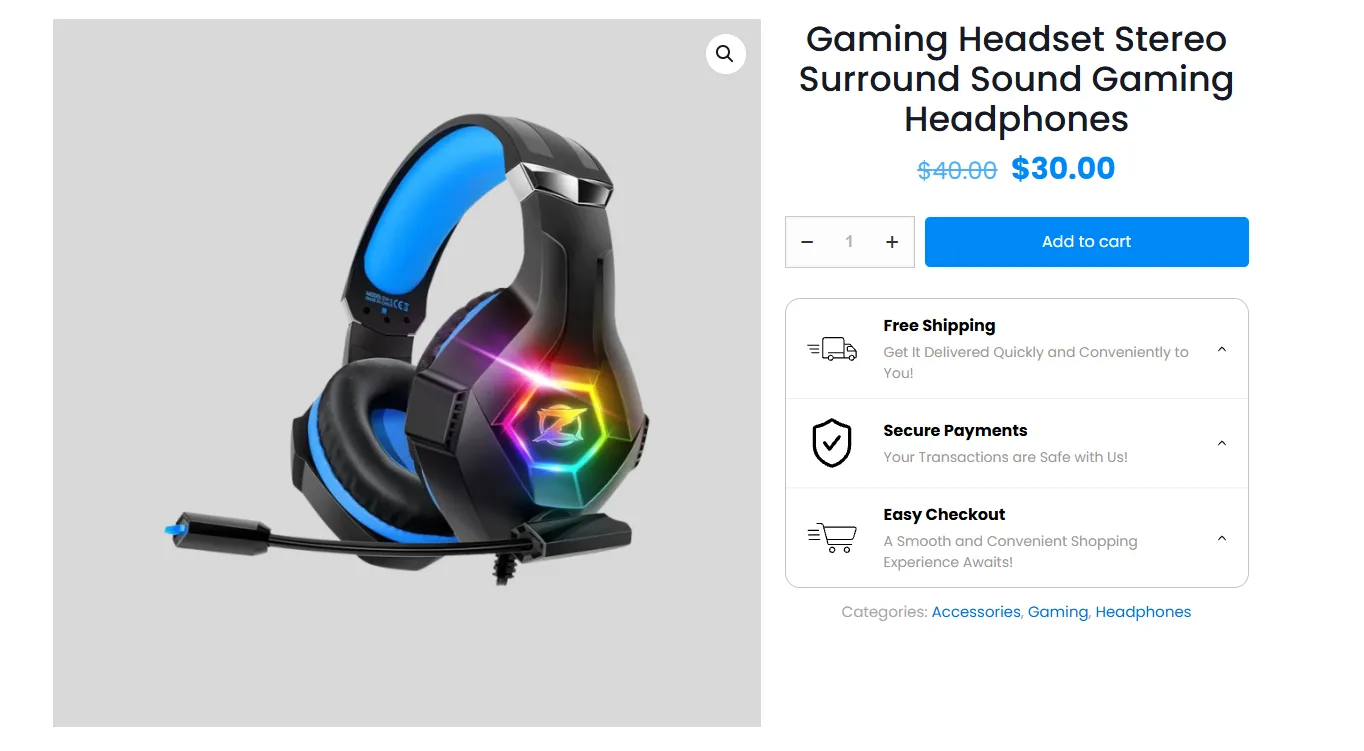
Add rows of product benefit icons and supporting text for delivery, payment, guarantees, and service highlights.
Explore featureShow a cart-aware free-shipping progress message in a product-page embed and encourage shoppers to add more items.
Explore feature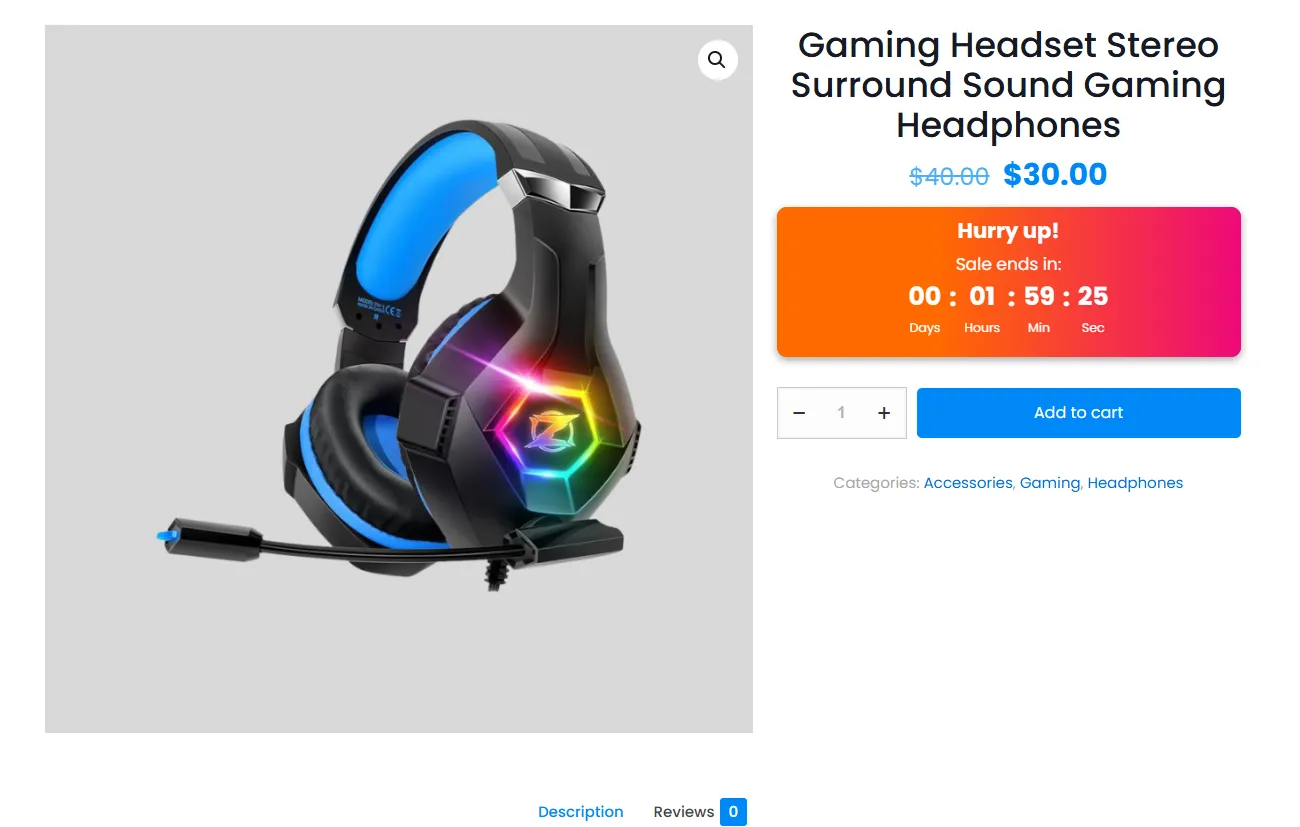
Place a live fixed-date or evergreen countdown near product information, pricing, or the Add to Cart form.
Explore feature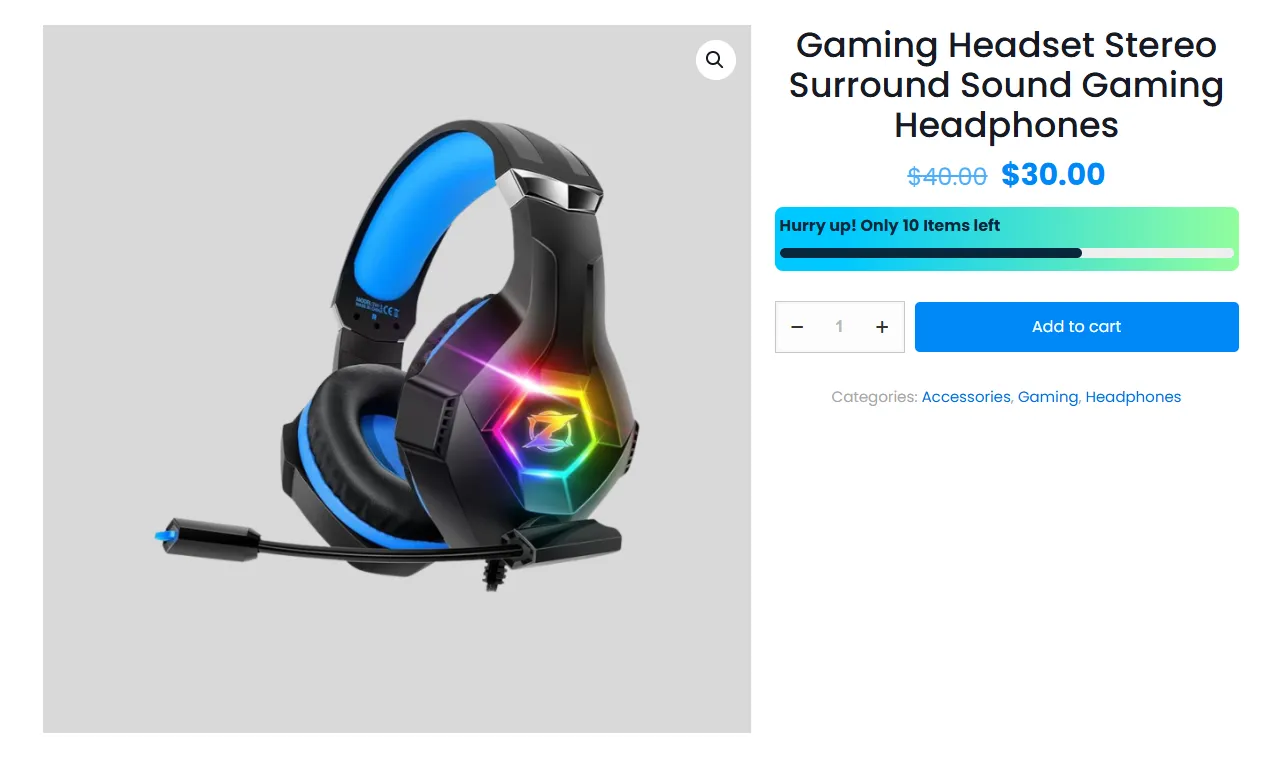
Use a stock-based countdown and optional quantity display to communicate genuine product scarcity.
Explore feature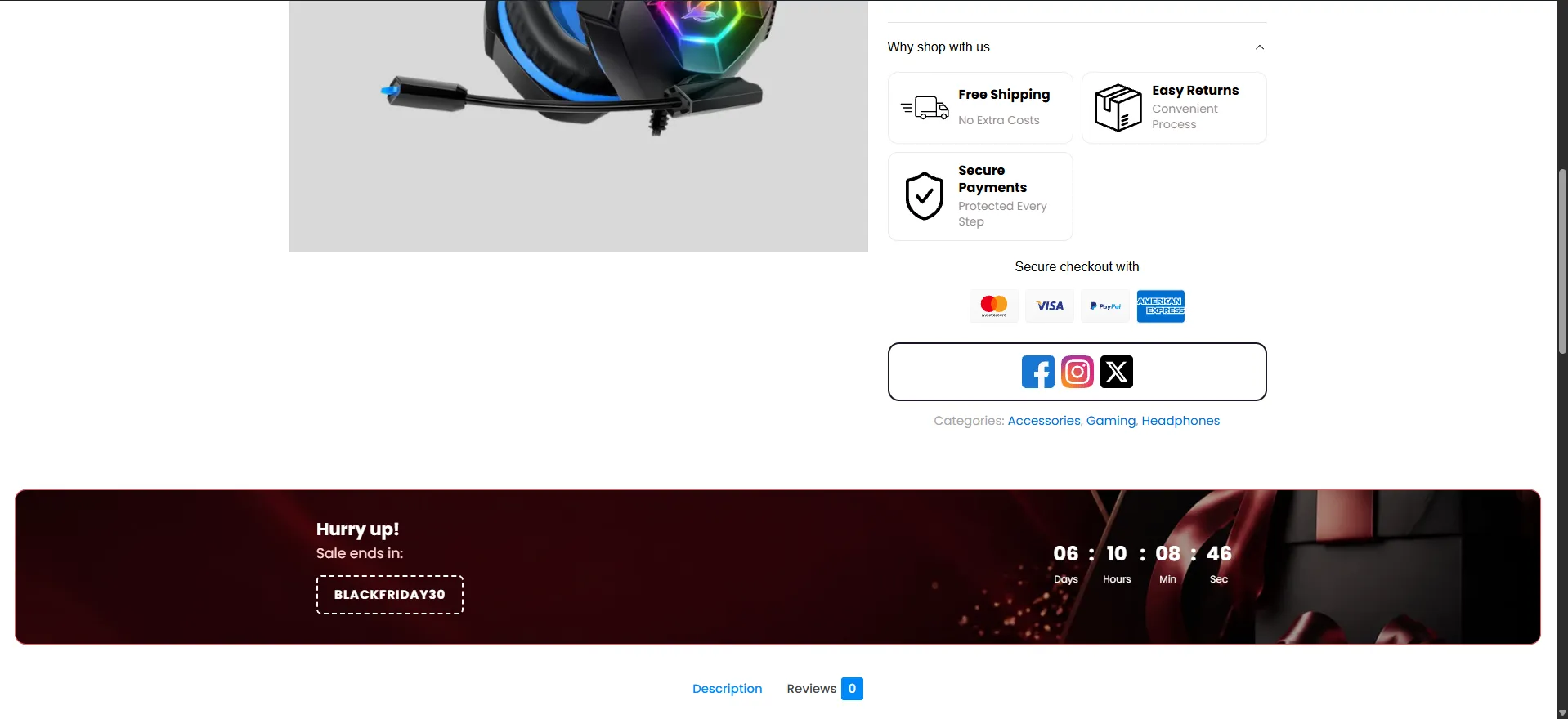
Add a full-width promotional banner with a live timer, layouts, color templates, background imagery, and focus point.
Explore feature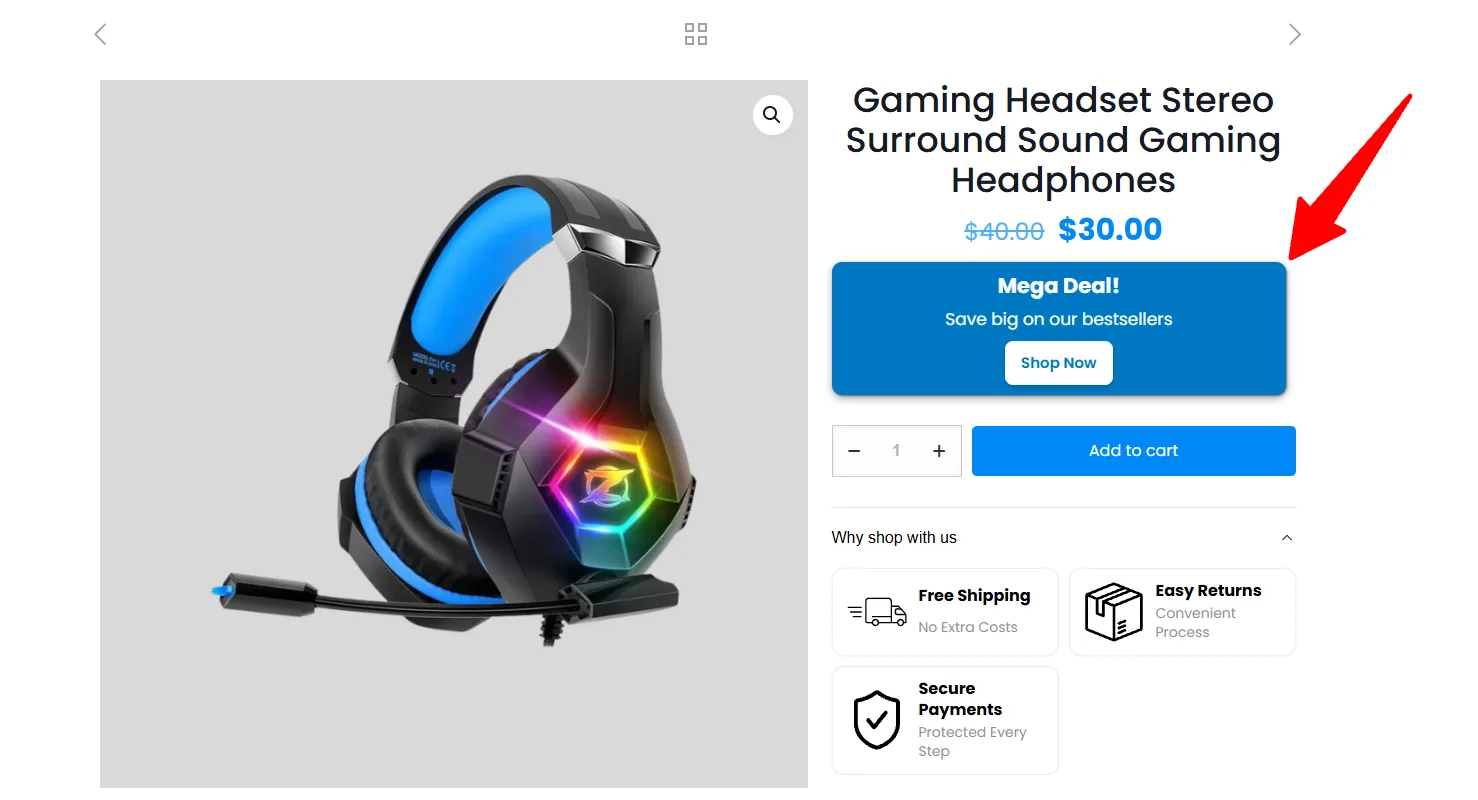
Place a product-page announcement with custom text, a CTA, visual styling, and targeted display conditions.
Explore feature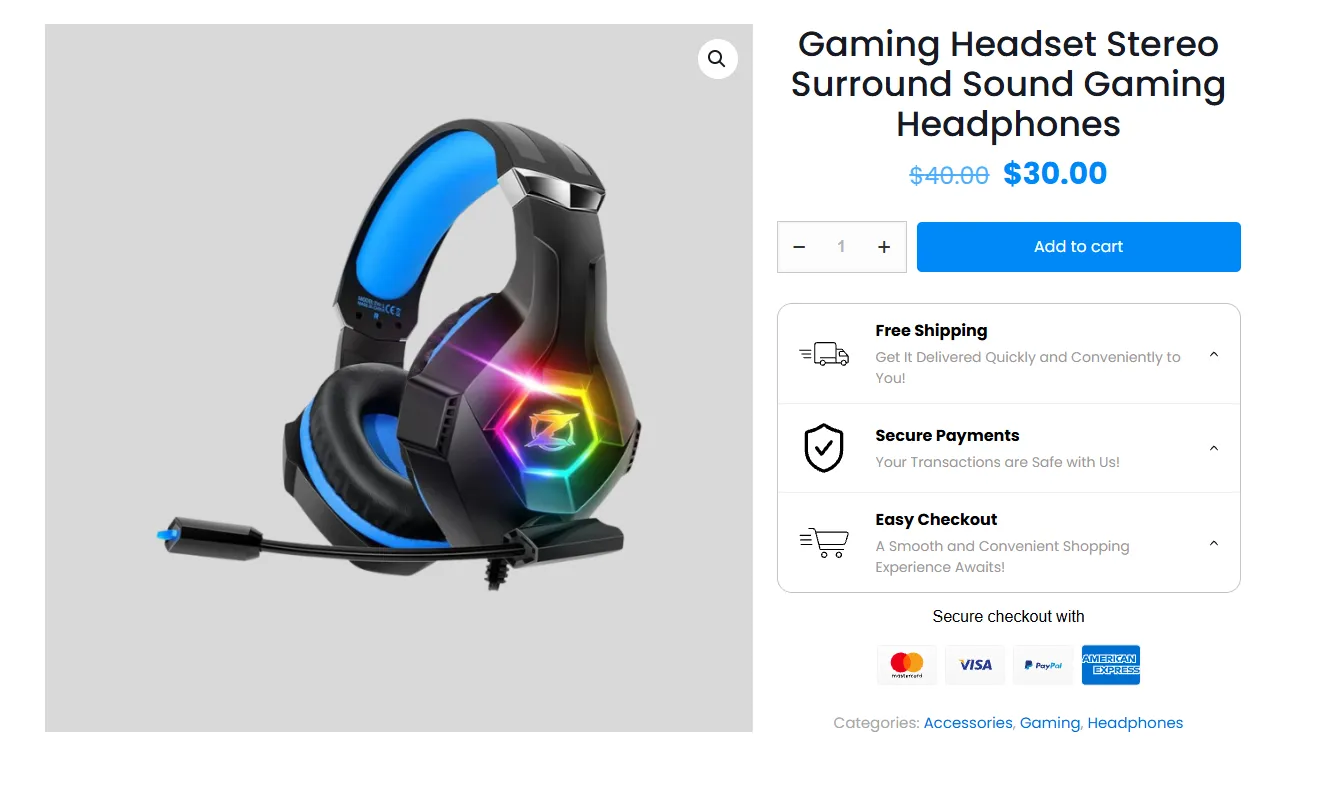
Show accepted payment methods near the purchase action with configurable icon order, styling, and placement.
Explore feature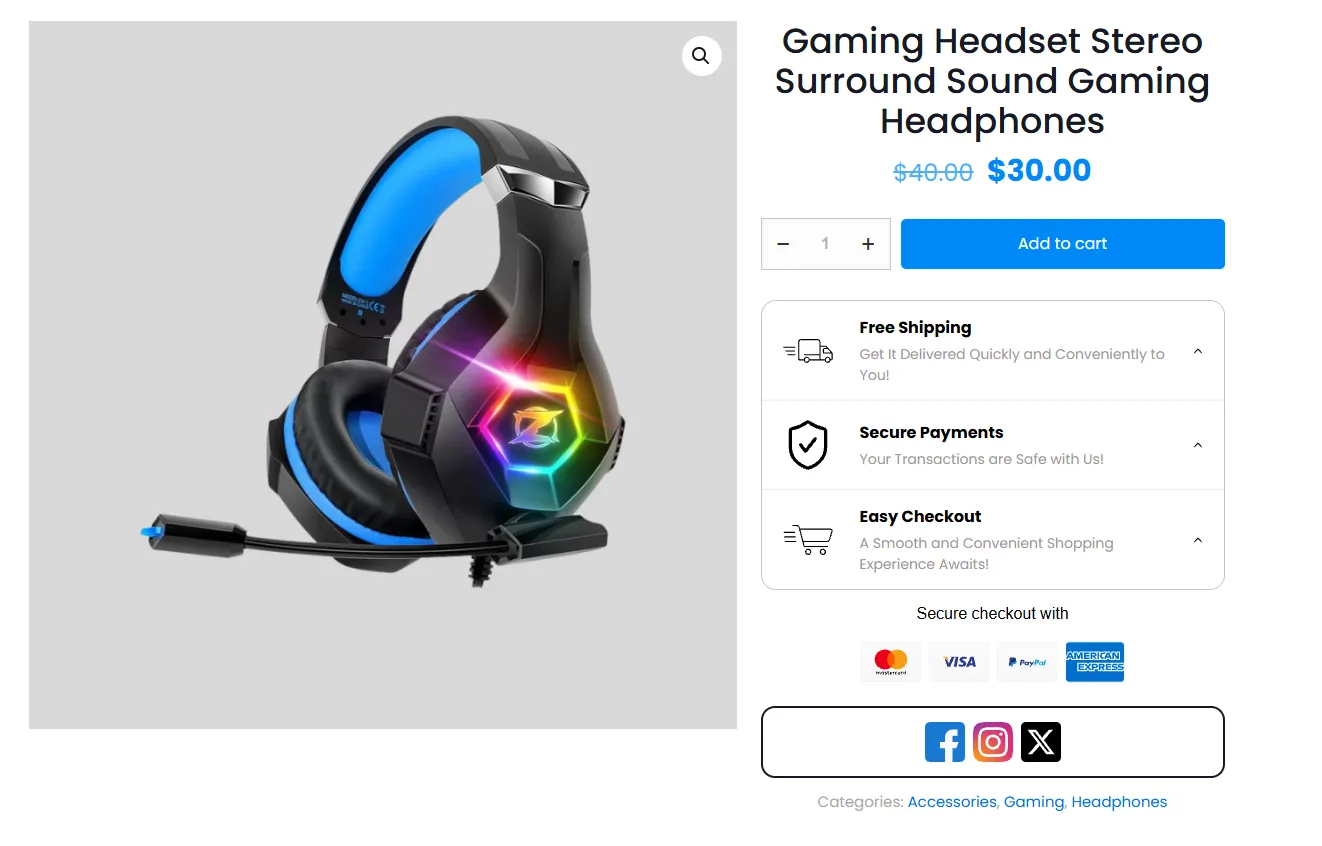
Add social sharing or profile icons to product pages with responsive layouts, ordering, and targeting controls.
Explore feature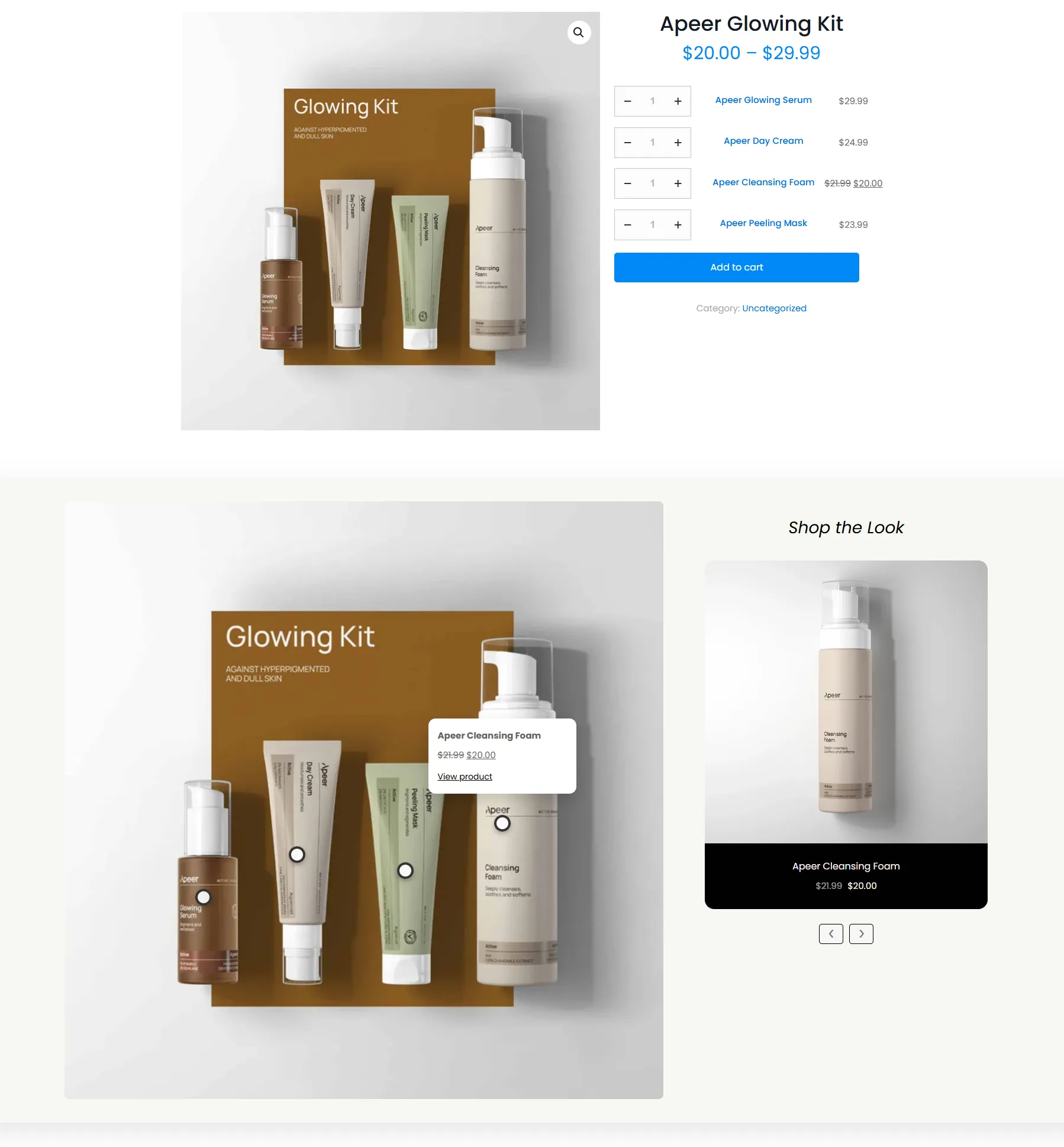
Turn a lifestyle image into a shoppable visual with product hotspots that connect inspiration to product discovery.
Explore featureReuse high-impact Sale Booster experiences in block-based layouts and follow a complete seasonal badge-and-countdown example.
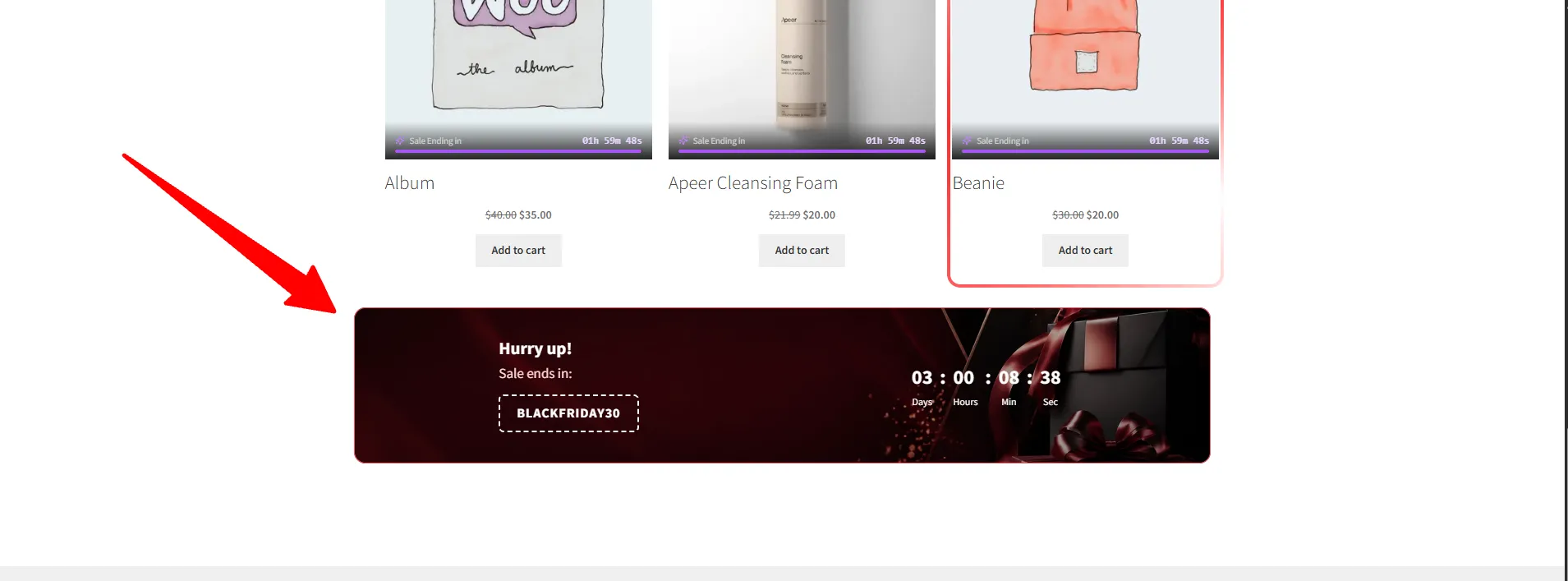
Use Sale Booster blocks for countdown banners and shoppable Shop the Look content in the WordPress editor.
Explore featureAdd a responsive countdown banner block with campaign copy, image backgrounds, layouts, and fixed or evergreen timing.
Explore feature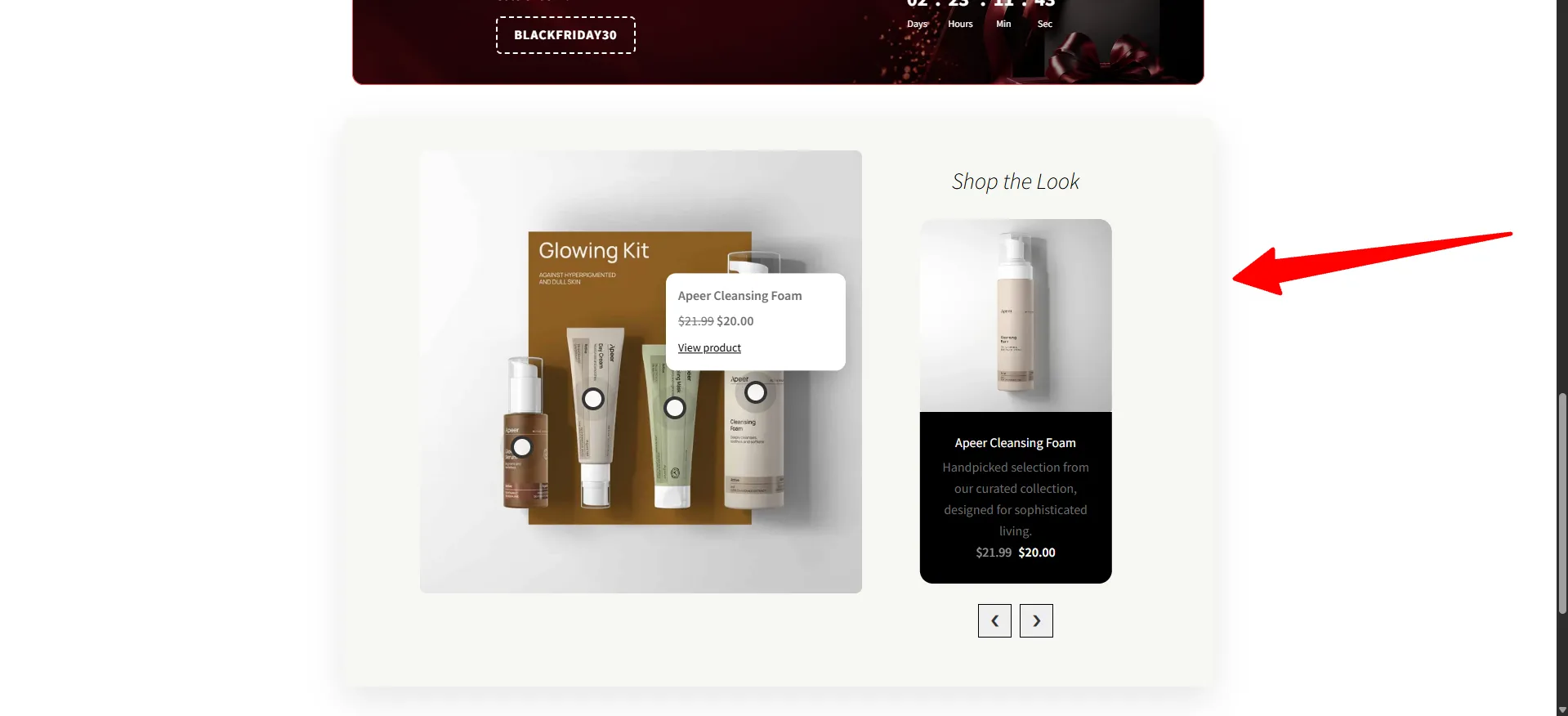
Build a shoppable image block with product hotspots for editorial merchandising and visual product discovery.
Explore feature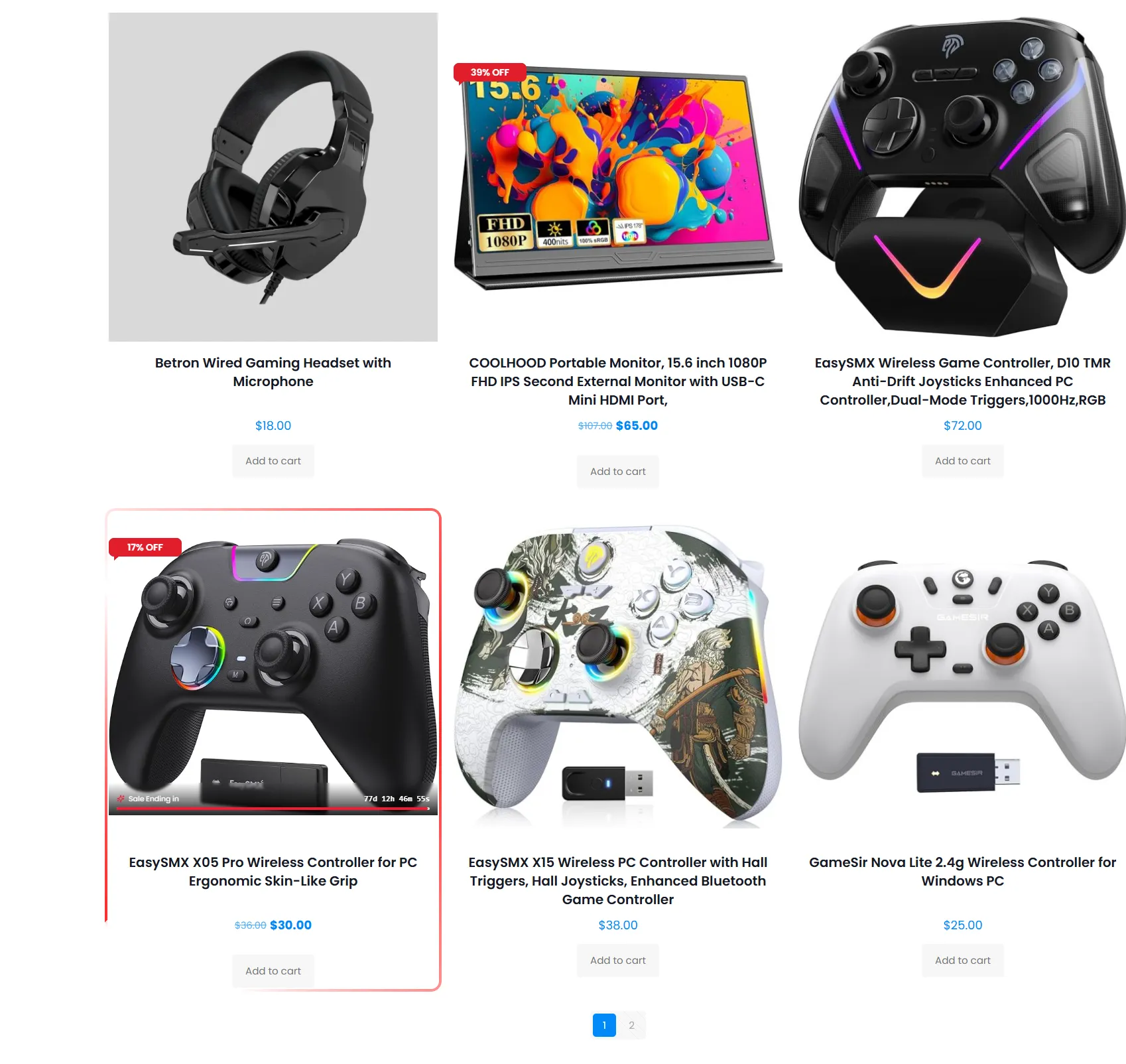
Follow a practical campaign recipe that combines a percentage-off label, countdown timer, targeting rules, and image highlight.
Explore featureGo beyond a template gallery with the placement, targeting, compatibility, and styling controls needed for daily store merchandising.
Sale Booster keeps the workflow in the WordPress dashboard and gives you a live preview before the badge reaches the storefront.