Enable Updates
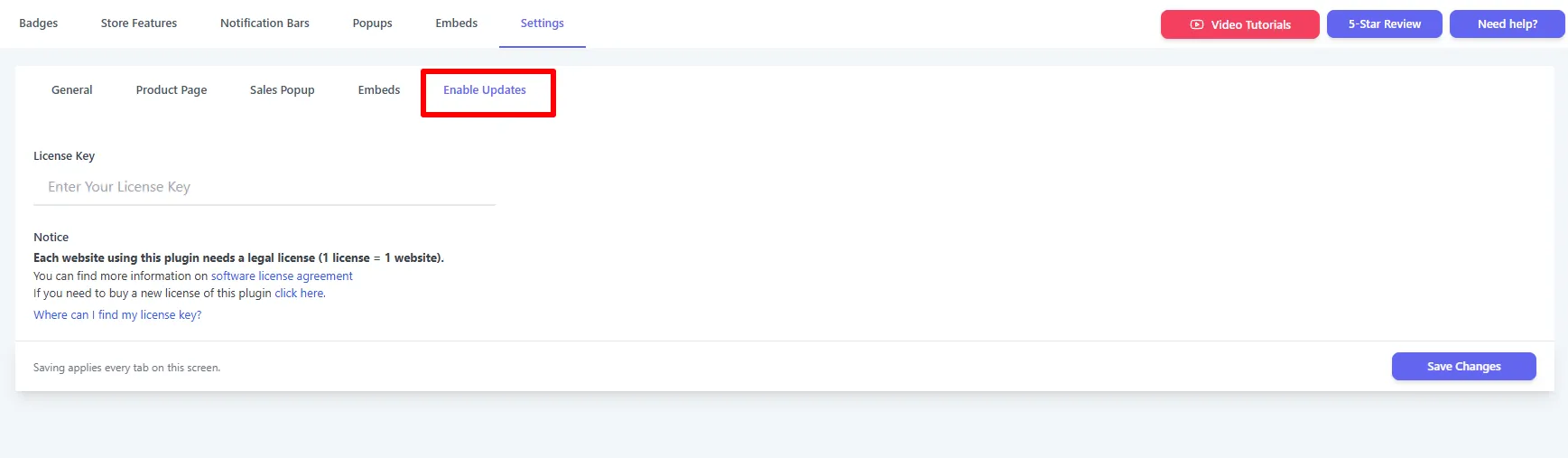
The Enable Updates sub-tab is where you enter your license key to unlock automatic updates and premium support.
| Setting | What it does | When & why to use |
|---|---|---|
| License Key | Unlocks automatic updates & premium support. | Enter your Pro key after purchase, then Save Changes. |
One license per site
Each website using the plugin needs its own legal license (1 license = 1 website). The tab links to the software license agreement, where to buy a new license, and "Where can I find my license key?".
See Installation → Activate Your License.