Free WooCommerce Product Labels & Sale Badges
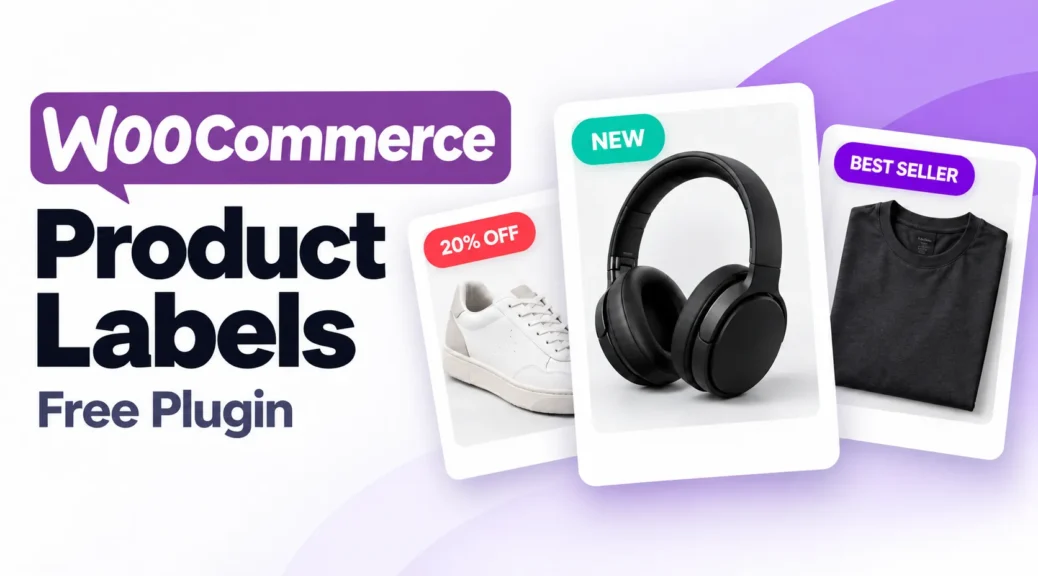
WooCommerce product labels help shoppers highlight sales, new arrivals, and stock status on shop and product pages.
The free plugin includes CSS labels, discount-percentage labels, product and stock-status rules, scheduling, and a basic countdown timer. Pro adds image-label collections, modern badge designs, advanced countdown options, and additional promotional tools.
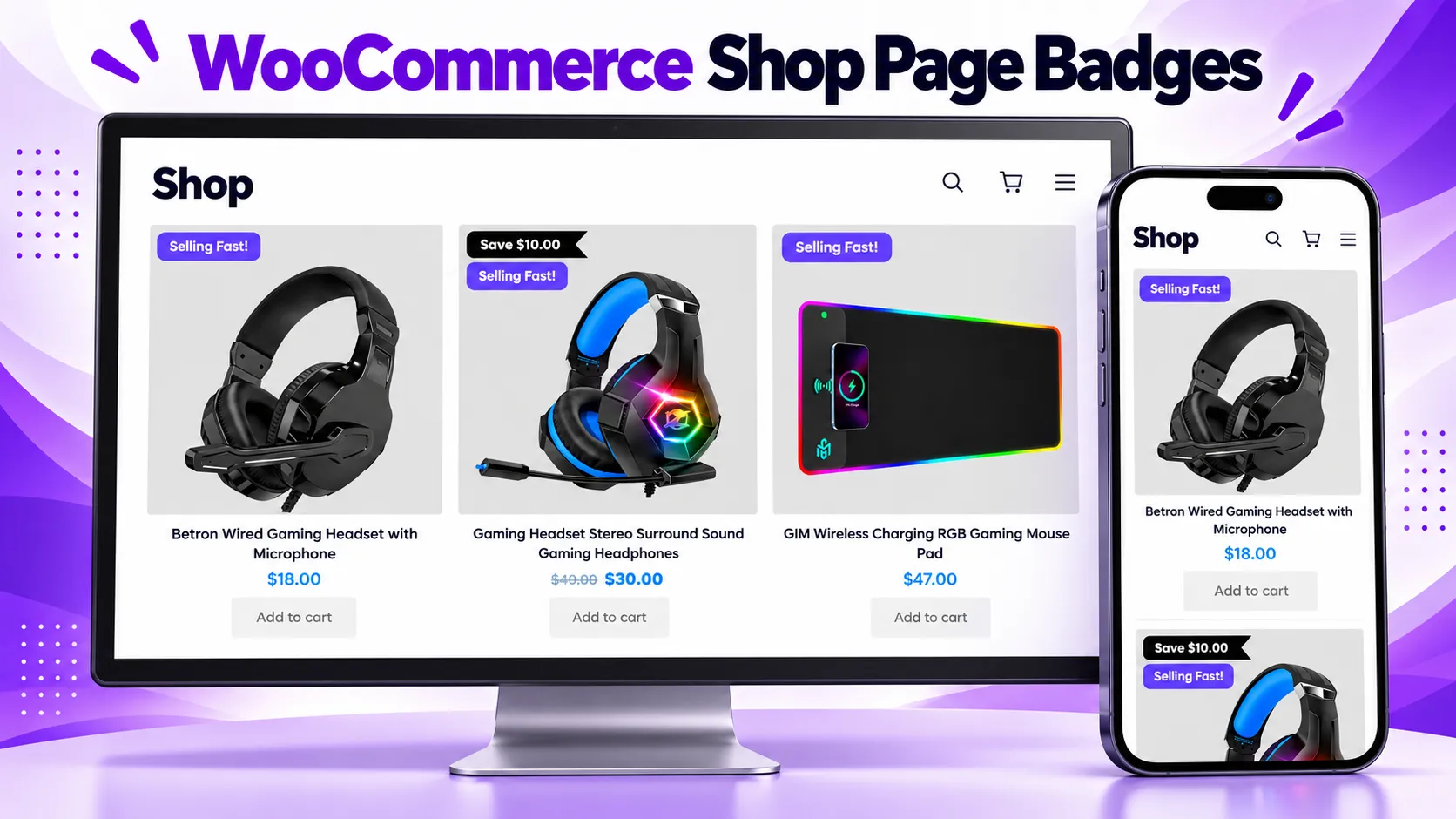
See how product badges can appear across a shop grid on desktop and mobile screens.
What is WooCommerce Product Labels Free Plugin?
WooCommerce Product Labels Free Plugin is an essential tool for e-commerce businesses to grab the attention of customers and increase sales. These badges and labels can be used to highlight special offers, discounts, limited-time promotions, or new arrivals. By using eye-catching designs and strategically placing them on product images, businesses can create a sense of urgency and persuade customers to make a purchase. With the ability to customize the appearance and placement of these badges and labels, WooCommerce provides businesses with a powerful tool to increase visibility and drive conversions in their online stores.
Why You Need to Add WooCommerce Product Labels Free Plugin?
Discover the compelling reasons why adding product labels to your WooCommerce store is a must. These visual cues can transform your online shopping experience, increase customer trust, and drive higher sales. Explore the advantages of using WooCommerce Product labels, from creating a sense of urgency to highlighting special offers. Don’t miss out on this powerful strategy for boosting your e-commerce success. Reasons to Add WooCommerce Product Labels Free Plugin:
- Grab Attention: Product labels catch the eye of shoppers, directing them to special deals and discounts.
- Create Urgency: Limited-time offers or clearance items can be highlighted, encouraging swift action from customers.
- Enhance Trust: Professional labels indicate quality and reliability, fostering trust among buyers.
- Highlight Bestsellers: Showcase your top products, guiding customers to popular items with ease.
- Cross-Selling: Suggest related or complementary products to increase the average order value.
- Seasonal Promotions: Promote holiday sales, seasonal events, or special occasions.
- Clear Communication: Labels convey important information, such as ‘New Arrivals’ or ‘Best Value.’
- Improved Navigation: Help customers quickly identify product categories or attributes.
- Customization: Tailor labels to match your brand and the specific needs of your products.
- Competitive Edge: Stand out from the competition by making your offerings visually appealing and informative.
Boost Sales with Eye-Catching WooCommerce Product Labels
Discover the art of boosting sales and increasing conversion rates with eye-catching WooCommerce sale badges. In this comprehensive guide, learn how strategically placed sale badges can grab your customers’ attention, create a sense of urgency, and drive more purchases. Explore best practices for designing and implementing these visual cues, making your online store stand out and your products irresistible. Start increasing your e-commerce revenue today with effective WooCommerce Sale Badges
Free WooCommerce Product Labels Plugin Features
Create custom product labels and sale badges without a paid license. The free plugin includes the following features:
- Custom CSS labels: Add messages such as “Sale,” “New,” and “Sold Out” to your products.
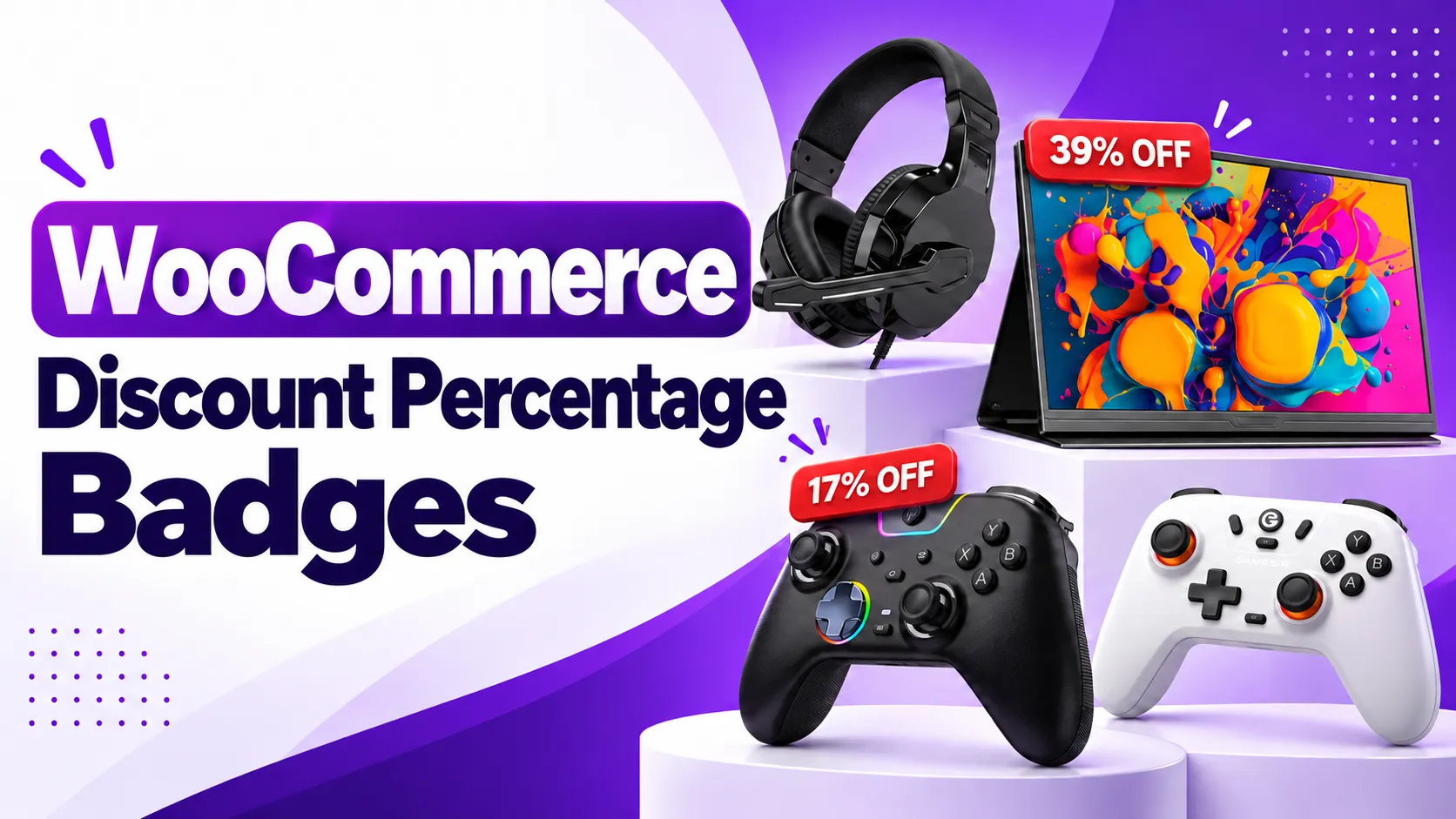
- Discount-percentage labels: Display the percentage saved on products with a sale price.
- Product targeting: Apply labels to selected products, categories, or tags.
- Sale and stock-status rules: Show badges on products that are on sale, in stock, out of stock, or on backorder.
- Design controls: Customize label text, colors, font size, dimensions, and placement.
- Live preview: Check your label’s appearance while editing.
- Scheduled visibility: Choose when promotional labels appear.
- Basic countdown timer: Display a countdown for promotions with a defined start and end.
- Default sale-badge control: Hide the standard WooCommerce sale badge when using your own labels.
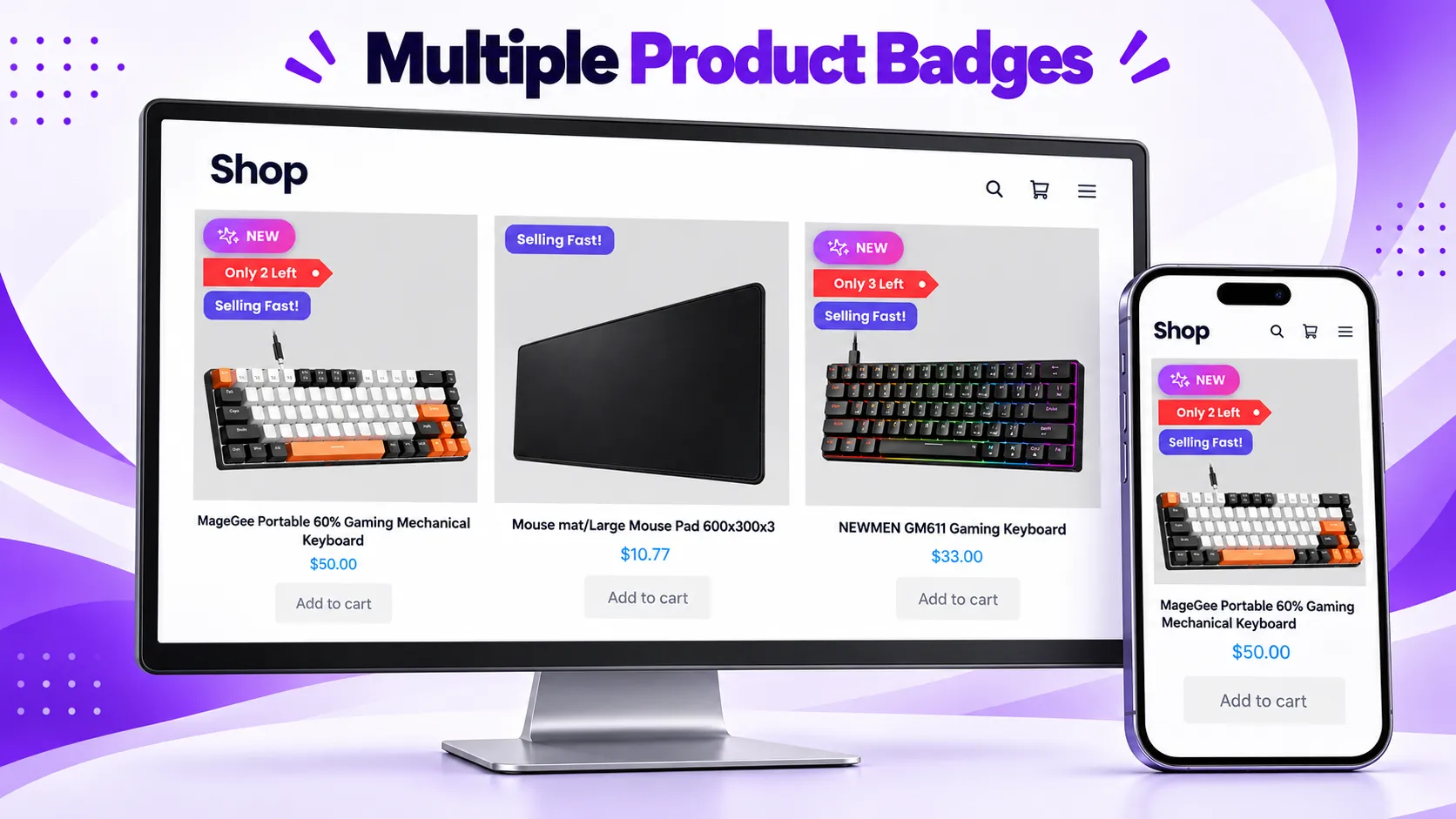
You can display more than one label on a product to highlight different information in the shop grid.
Additional Features in Sale Booster Pro
Sale Booster Pro adds more design options, targeting controls, and ways to promote products across your store:
- Image-label library: Choose from 200+ graphics for sales, sold-out products, holidays, and other campaigns, or upload your own image labels.
- Modern badge designs: Use additional badge styles with more control over colors, gradients, animation, rotation, and placement.
- Advanced countdowns: Choose from additional timer designs, including progress bars, evergreen timers, and stock countdowns.
- Countdown banners: Promote limited-time offers with banners that display a live countdown.
- Advanced targeting: Show promotions based on customer login status, role, or spending, and on product details such as price, quantity, or shipping class.
- Notification bars: Display announcements, countdown messages, and rotating promotions across your store.
- Sales and discount popups: Highlight offers and show recent-order notifications to shoppers.
- Free-shipping progress bars: Show how close shoppers are to free shipping and suggest products that help them reach the threshold.
- Sticky Add to Cart: Keep the purchase button, price, quantity, and variation choices accessible as shoppers scroll.
- More Quick View designs: Choose additional layouts for the Quick View feature on shop pages.
- Trust and payment displays: Add trust badges, payment icons, and social media icons near relevant shopping content.
- Shop the Look: Add clickable product hotspots to a lifestyle image.
- Product image highlights: Draw attention to selected product images with an animated highlight.
Explore all Sale Booster Pro features
Tested with more than 40+ Themes
- WoodMart
- Avada
- Flatsome
- The7
- Divi
- Betheme
- Uncode
- Enfold
- Bridge
- Salient
- JupiterX
- XStore
- Porto
- StoreFront
- Astra
- OceanWP
- and much more
CSS Labels
You can add a CSS Label to your WooCommerce Products easily like the below Image.
- More than 10 CSS labels
- Display the discount percentage on products with a sale price.
- Adjust font size and line height
- Customize label background and text color (Solid or Gradient)
- Modify label width and height and z-index
- Fine-tune opacity and rotation
- Change Position labels (Top, Bottom, Right, Left)
- Apply corner rounding (Border Radius)


Conditions Product Labels
The WooCommerce Product Labels Free Plugin has many conditions, such as :
- All Products
- Products
- Categories
- Tags
- “Is On Sale”
- “In Stock” and “Out Of Stock”, “on backorder”
- Discount Rules

Schedule
The WooCommerce Product Labels Free Plugin offers various scheduling conditions, as shown below :
- Date
- Date Time
- Time
- Days

Compatibility with Woocommerce Plugins
WooCommerce Product Labels Free Plugin have been tested and are fully compatible with the following WooCommerce plugins that you can integrate into your website :
- Discount Rules and Dynamic Pricing for WooCommerce
Shortcodes
Sale Badges And Product Labels Plugin To Woocommerce has the below shortcodes.
- [asnp_badge hide="1"] to use on the product page.
- [asnp_badge] to use on the archive product or product listing page.
If you would like to show a specific product sale badges, then use the below shortcodes.
- [asnp_badge product_id="7" hide="1"] to use on the product page, replace “7” with your product ID.
- [asnp_badge product_id="7"] to use on the archive product or product listing page, replace “7” with your product ID.
View installation details and user reviews on WordPress.org.